
About this printable
Examine how headings, captions, diagrams and other features help a reader use informational text. The task goes beyond naming a feature.
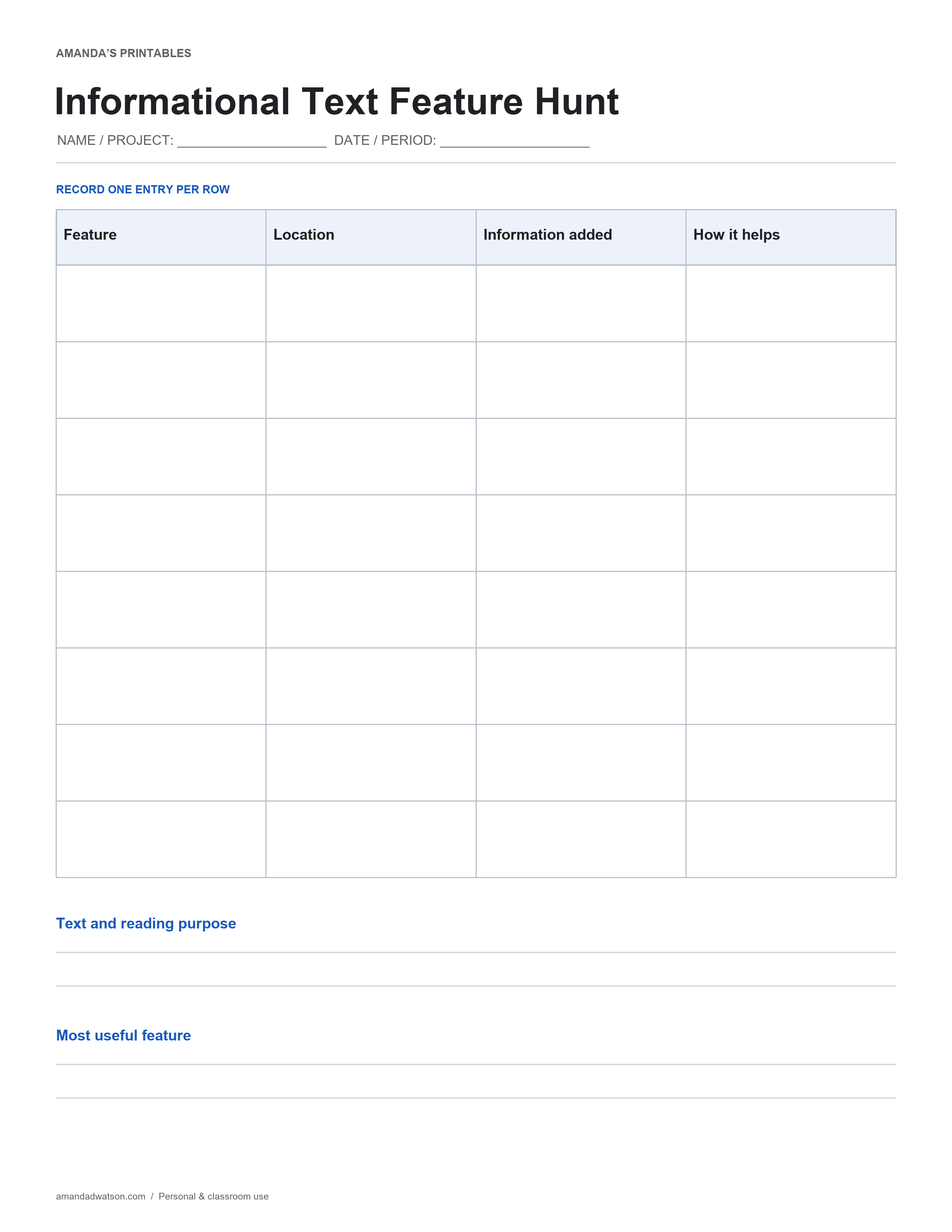
What is on the page
The printable has eight entry rows with four labeled columns: Feature, Location, Information added, How it helps. Two larger writing areas are labeled Text and reading purpose and Most useful feature. Use a short identifier in the name/project space and define the date or period covered before making entries. If you need another page, repeat that identifier and add a page number by hand so separate records can be read in order.
How to use it
Choose a text with several visible features. Record each feature and where it appears, then explain what information it contributes. Connect that contribution to the reading purpose.
Review and adapt the record
A decorative element may not add information. Check whether a caption or diagram changes what the reader can understand. Use the page with a suitable text rather than assuming every text contains every feature.
Before setting the page aside, read each entry as if you were returning to it next week. Replace an unclear abbreviation with a word or add a small key. Leave a field blank or write “not recorded” when information is unavailable; do not fill a gap with an invented detail. Use the two bottom prompts to summarize a decision or question that follows from the entries.
Download and printing instructions
Save the original high-resolution PNG with Download image beneath the printable. To create a PDF, select US Letter or A4 and use Download PDF. The website creates the PDF in your browser. Match the printer paper setting, keep uniform scaling and check that the title, table and bottom prompts are inside the print area. Print one test copy before making a set. This is a flat printable for handwriting, not an editable spreadsheet or a form that stores your entries. Original pages are for personal and classroom use; share the article link when recommending the resource.