
About this printable
Organize labels and results from supervised ceramic test tiles.
What is on the page
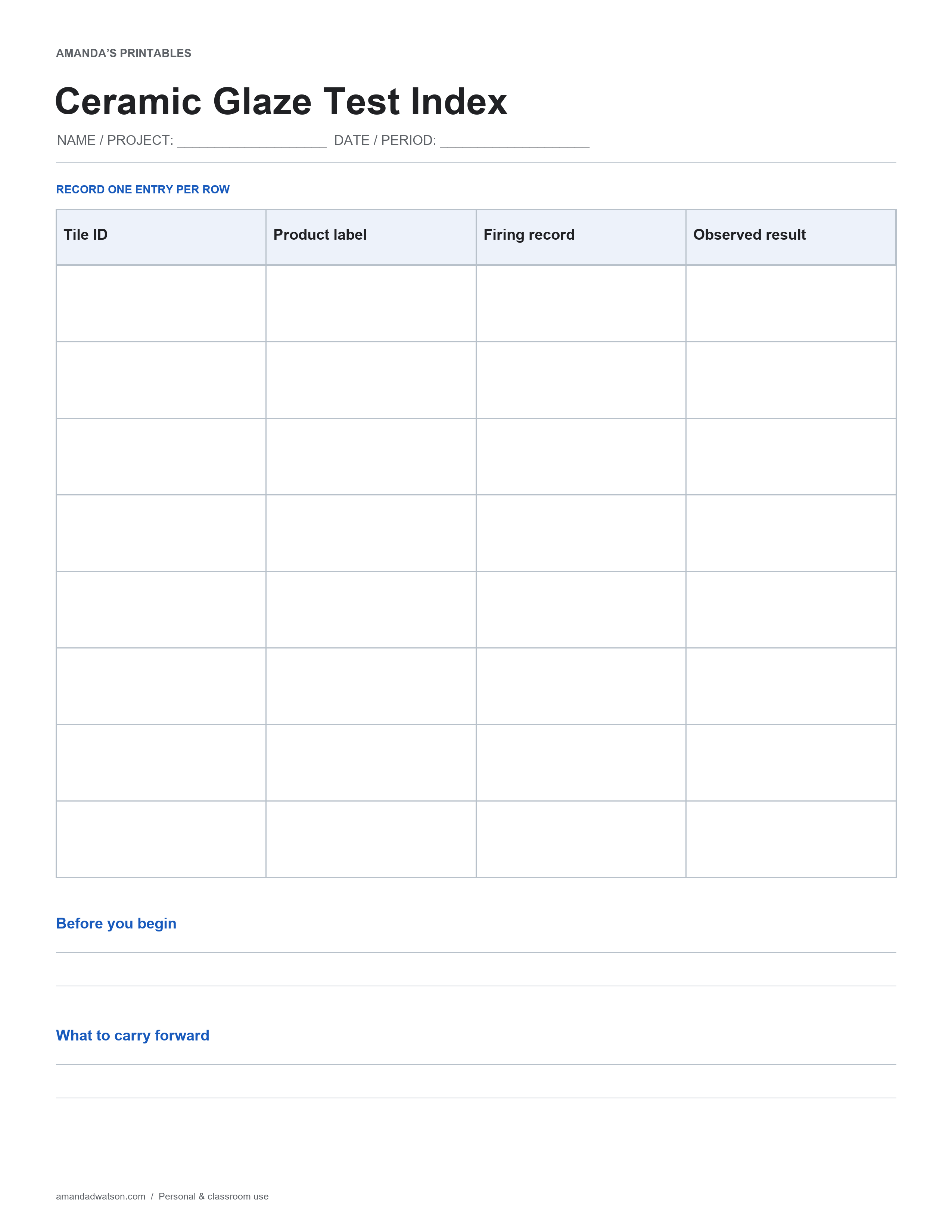
The printable has eight entry rows with four labeled columns: Tile ID, Product label, Firing record, Observed result. Two larger writing areas are labeled Before you begin and What to carry forward. Use a short identifier in the name/project space and define the date or period covered before making entries. If you need another page, repeat that identifier and add a page number by hand so separate records can be read in order.
How to use it
Copy product and firing details from the studio record; use the sheet as an index rather than a firing recipe.
A practical starting point
Mark every test tile with an ID that remains traceable through firing. Copy product and firing information from the studio's approved records rather than guessing. Use the observed-result column for appearance, not an unsupported food-safety claim. Confirm material compatibility and firing procedures with the responsible studio technician.
Download and printing instructions
Save the original high-resolution PNG with Download image beneath the printable. To create a PDF, select US Letter or A4 and use Download PDF. The website creates the PDF in your browser. Match the printer paper setting, keep uniform scaling and check that the title, table and bottom prompts are inside the print area. Print one test copy before making a set. This is a flat printable for handwriting, not an editable spreadsheet or a form that stores your entries. Original pages are for personal and classroom use; share the article link when recommending the resource.