
What this printable helps you do
Compare long-exposure photography tests using recorded settings. Use stable file or equipment identifiers so notes can be connected with the actual session. Separate observed results from proposed changes.
What is on the page
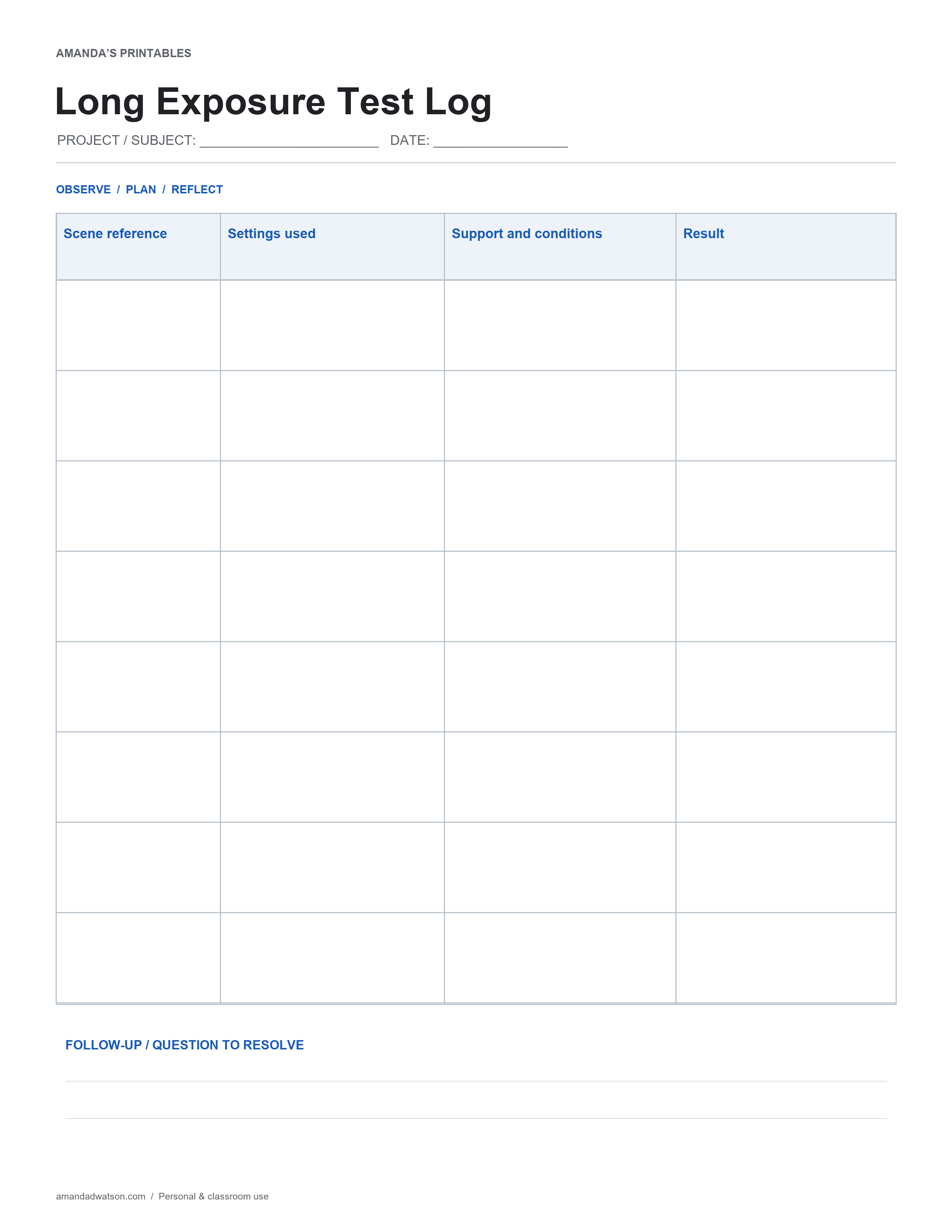
The page uses a spacious four-column log with room for repeated entries and a follow-up area below. Keep one observation or item on each row so information stays connected across the columns. The four headings are Scene reference, Settings used, Support and conditions, Result. Add a subject identifier and date at the top so the page can be understood when you return to it.
How to use it
Change a deliberate setting and note movement in the subject or camera support. Start with one example rather than filling the whole page at once. Use ordinary language you will understand later and add a reference where a note depends on another source.
A practical example
A blurred branch may reflect wind while a blurred building suggests a different issue. This illustrates how to begin; the downloadable page is blank so you can use your own subject, materials and observations.
Review before you reuse it
Choose a permitted safe location and follow equipment guidance. Read the finished page from the perspective of someone who was not present. Clarify an abbreviation, mark an unanswered question and identify the next small action if one is needed.
Download and print
Use Download image beneath the printable to save the original 2550 × 3300 PNG. Select US Letter or A4 and choose Download PDF to create a flat one-page PDF in your browser. Match the printer paper setting and use uniform scaling so the page stays in proportion. Check the title and bottom writing areas in print preview, then make one test copy before printing a set. This is a handwriting resource, not a fillable form or an editable spreadsheet. Original pages are for personal and classroom use; share the article link when recommending the resource.