
Using a 3 column chart word template can be a game-changer for organizing information in a clear and concise manner. Whether you’re a parent trying to help your kids with a school project, or a teacher preparing materials for a lesson, this template can streamline your process. It’s simple to use and customizable, making it perfect for a variety of needs.
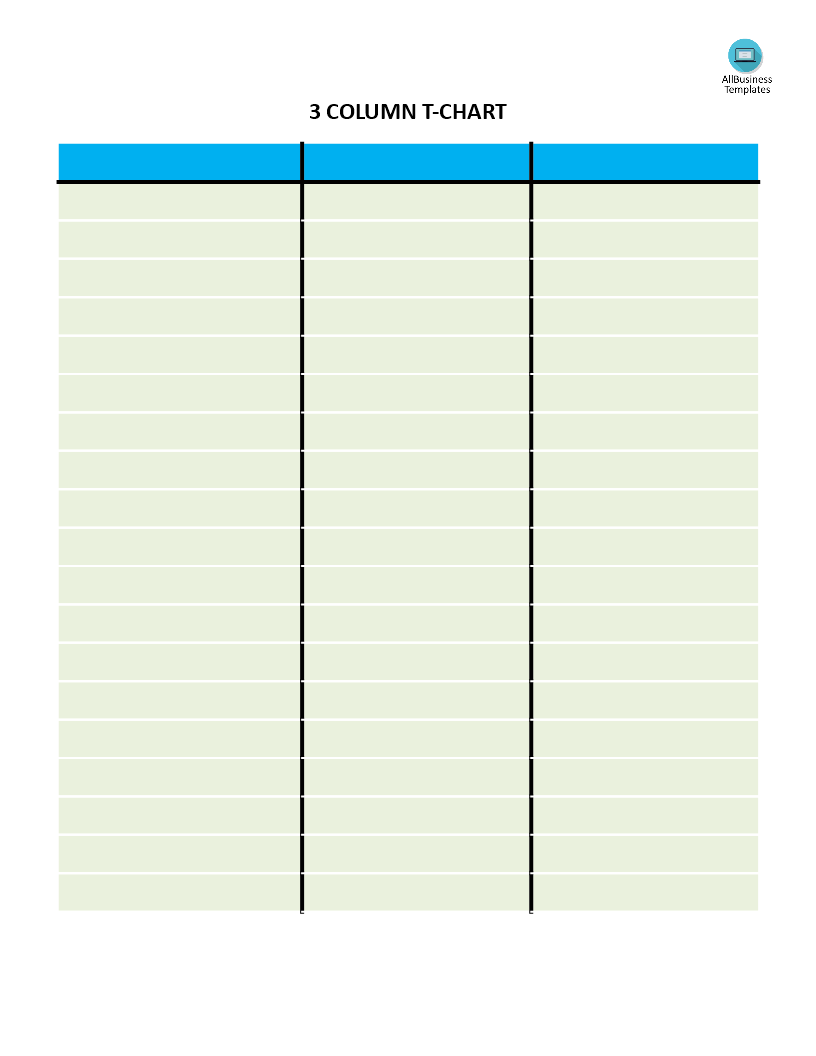
What is a 3 Column Chart?
A 3 column chart is a straightforward visual aid that allows you to categorize information into three distinct sections. Each column can represent a different category or type of information, making it easy to compare and contrast data. For example, you might use one column for “Pros,” another for “Cons,” and a third for “Notes” when discussing a topic with your family or students.
Why Use a 3 Column Chart Word Template?
Using a 3 column chart word template offers several advantages:
- Organization: It helps in organizing thoughts clearly.
- Ease of Use: Word templates are user-friendly and can be filled out easily.
- Customization: You can modify the template to fit your specific needs or preferences.
This template is ideal for parents helping their children with homework, teachers looking to present information in an engaging way, or anyone needing to sort out ideas efficiently.
How to Use the 3 Column Chart Word Template
Filling out a 3 column chart is straightforward. Here’s a step-by-step guide to get you started:
- Download the Template: Find a suitable 3 column chart word template online and download it. Ensure that it’s compatible with your version of Word.
- Open the Document: Launch Microsoft Word and open the file you downloaded.
- Identify Your Categories: Decide what each column will represent. For instance, if your child is working on a science project, you might label the columns “Experiment,” “Results,” and “Conclusion.”
- Fill in the Information: Start entering the information in each corresponding column. Encourage your child to summarize ideas in their own words to enhance understanding.
- Review and Edit: Once the chart is filled out, review it together. Make sure the information is clear and accurate.
Practical Applications for Parents and Educators
There are countless ways to utilize a 3 column chart word template in everyday life. Here are a few specific examples:
- Homework Help: If your child is writing a report, they can use the chart to organize their research findings and thoughts.
- Lesson Planning: Teachers can use the chart to create lesson outlines, comparing different teaching methods or subjects.
- Family Decision Making: When making family plans, use the chart to weigh the pros and cons of different options, whether it’s a vacation destination or a new family activity.
Tips for Maximizing Your 3 Column Chart
To get the most out of your 3 column chart word template, consider these tips:
- Use Clear Headings: Make sure your column headings are descriptive and clear to avoid confusion.
- Incorporate Visuals: If possible, add images or icons related to the content in your chart to make it more engaging.
- Adjust the Layout: Don’t hesitate to modify the template’s layout. You may want to change the width of columns or add additional rows for more information.
The beauty of a 3 column chart word template lies in its versatility and simplicity. It’s a fantastic tool for parents and educators alike, allowing for structured and efficient information organization.
Now that you know how to effectively use a 3 column chart word template, you can download one today and start organizing your thoughts, projects, or lesson plans. Whether you’re helping your child with homework or planning a family event, this resource will prove invaluable in making your tasks easier and more efficient.