
Using a free printable 1 inch binder spine template 2027 can make all the difference when it comes to organizing your documents. Unlike generic templates you might find elsewhere, this specific version is tailored for the 2027 calendar year, allowing you to stay updated and organized. Whether you’re managing work documents, school materials, or home projects, a well-labeled binder can help you track progress and locate important papers quickly.
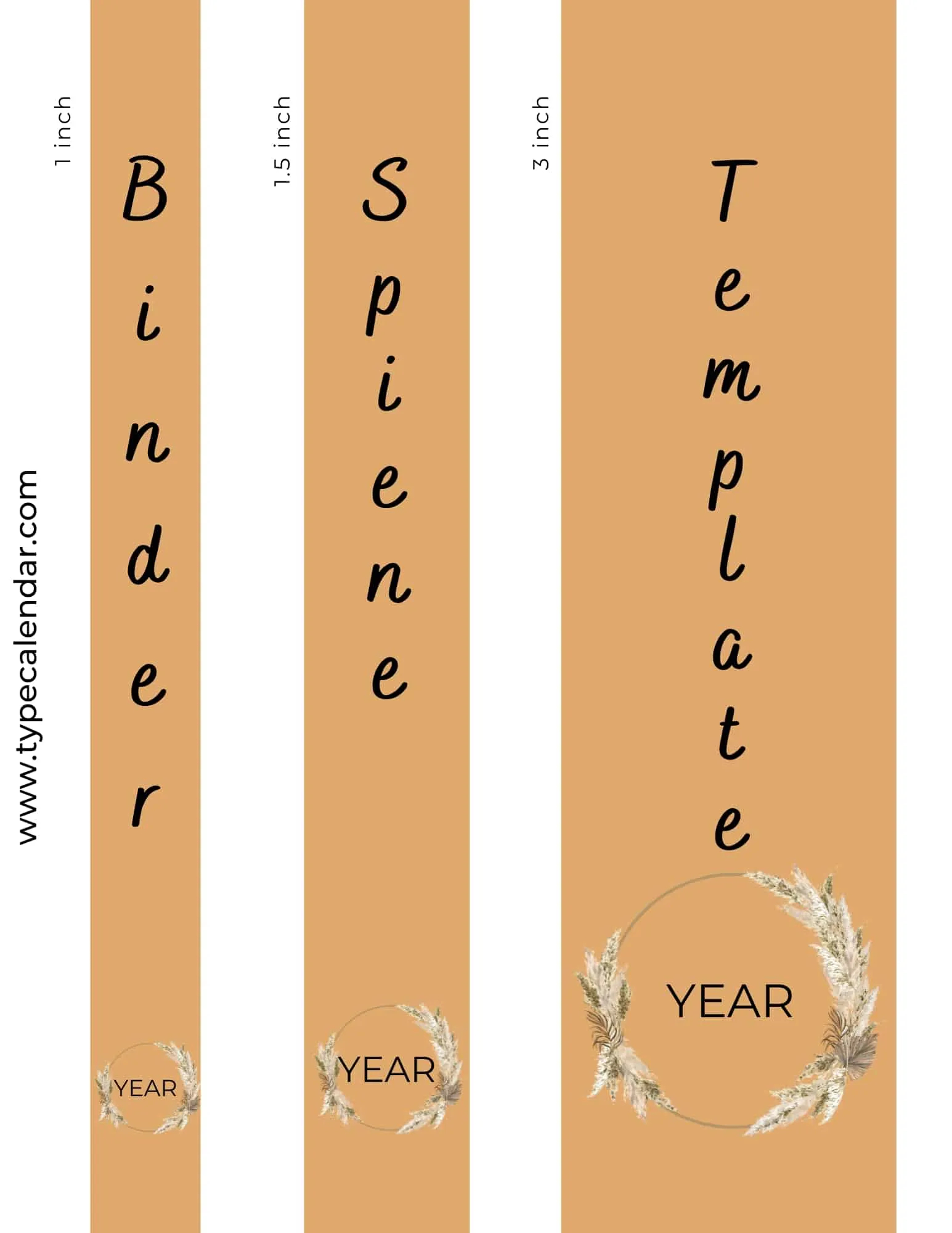
Customization Options for Your Template
One of the most significant advantages of using a free printable 1 inch binder spine template 2027 is the level of customization it offers. You can personalize it with your own titles, colors, and designs to fit your style or the theme of your project.
You’ll typically find these templates available in various formats, such as PDF or Word documents. PDFs are great because they preserve the layout, ensuring that everything lines up perfectly when you print. Word documents allow you to edit text directly, giving you the flexibility to change font styles or sizes. This can be particularly useful if you have several binders to label and want them to have a cohesive look.
Choosing the Right Format
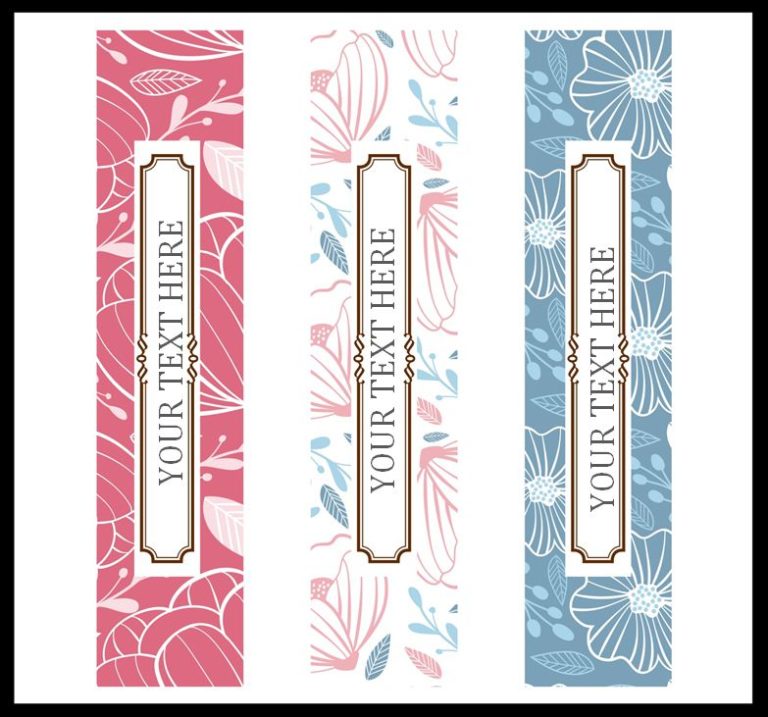
When deciding which format to download, consider how you plan to use the template. If you want something quick and straightforward, a PDF might be the way to go. You can simply fill in your text and print. However, if you’re looking for a more personalized touch, opt for the Word format. This lets you play around with colors and fonts, making your binders visually appealing.
Practical Use Cases for Your Binder Spine Template
The real beauty of the 1 inch binder spine template lies in its versatility. Here are a few practical applications where a well-organized binder can make your life easier:
- School Projects: Keep track of assignments, notes, and important documents for different subjects. A labeled binder helps students stay organized and reduces stress during exam periods.
- Work Documents: Use binders to categorize reports, presentations, and meeting notes. A clear spine label allows you to find what you need quickly, saving time in busy work environments.
- Home Management: Create a family binder for important documents like insurance papers, medical records, or household bills. This can simplify retrieval during emergencies and ensure that everyone is on the same page.
Tips for Printing and Assembly
When it comes to printing your template, consider these tips for the best results:
- Paper Type: For durability, using cardstock is ideal, especially if you plan to laminate your spine labels. Cardstock holds up well and won’t bend easily.
- Printer Settings: Make sure your printer is set to the correct paper size—typically letter size (8.5 x 11 inches). This helps avoid any cropping issues.
- Cutting: After printing, use a ruler and craft knife for clean edges if your template requires trimming. Scissors can work, but a craft knife gives a more precise cut.
Final Considerations for Your Binder Organization
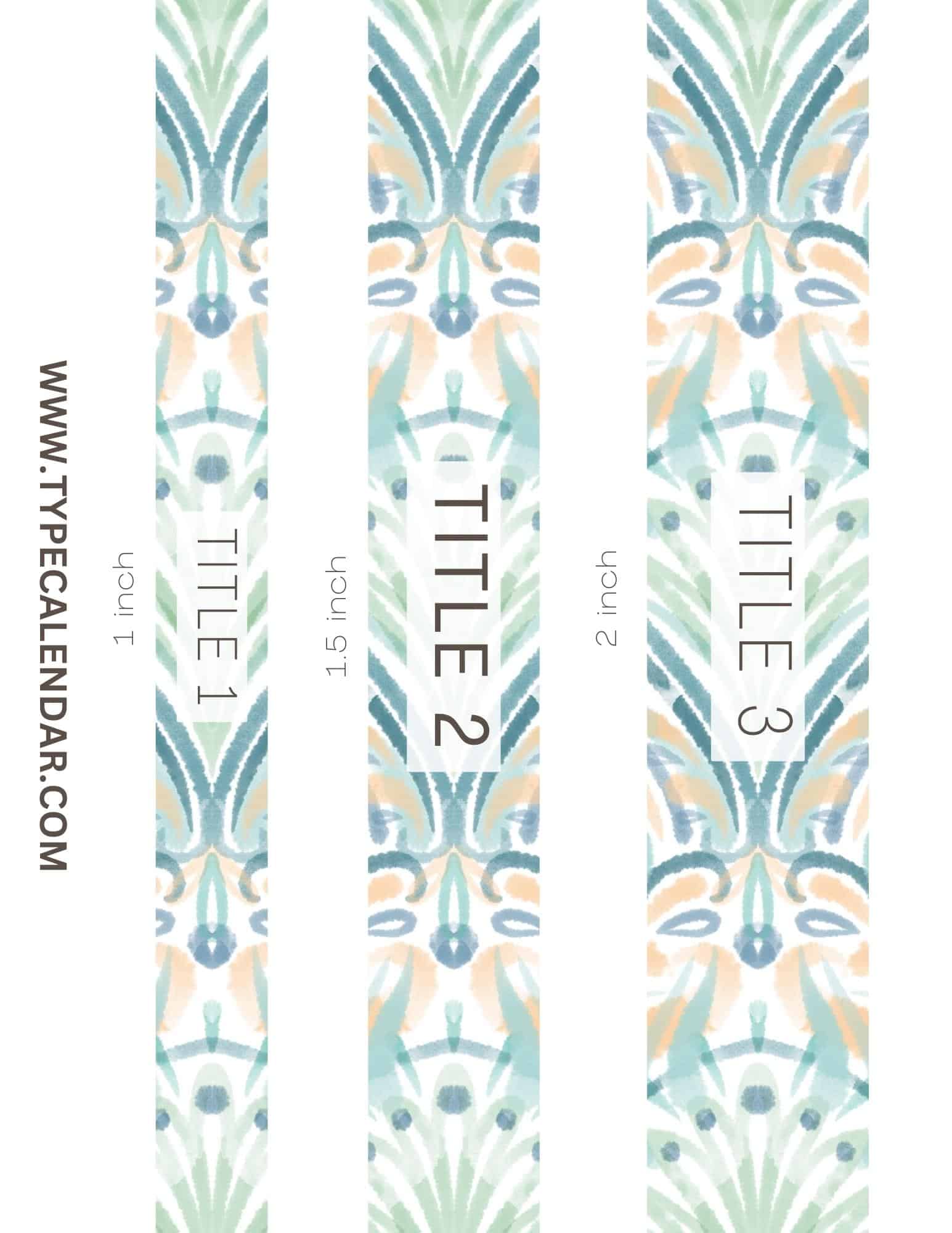
Once you have your spine template printed and cut, it’s time to assemble your binder. Place the labels on the spine of your binder so they are clearly visible when stored on shelves. Depending on your needs, you can also create matching labels for the front cover or the inside pockets.
As you organize, think about how you want to categorize your materials. Do you prefer a subject-based system or a chronological one? This choice will influence how effective your labeling is in streamlining your workflow.
In summary, using a free printable 1 inch binder spine template 2027 can significantly enhance your organizational skills. With customization options and practical applications ranging from school to home management, you can tackle any project with ease. Whether you choose a PDF or a Word document, the right template can help you keep everything in order, ensuring that you can track your progress effortlessly.