
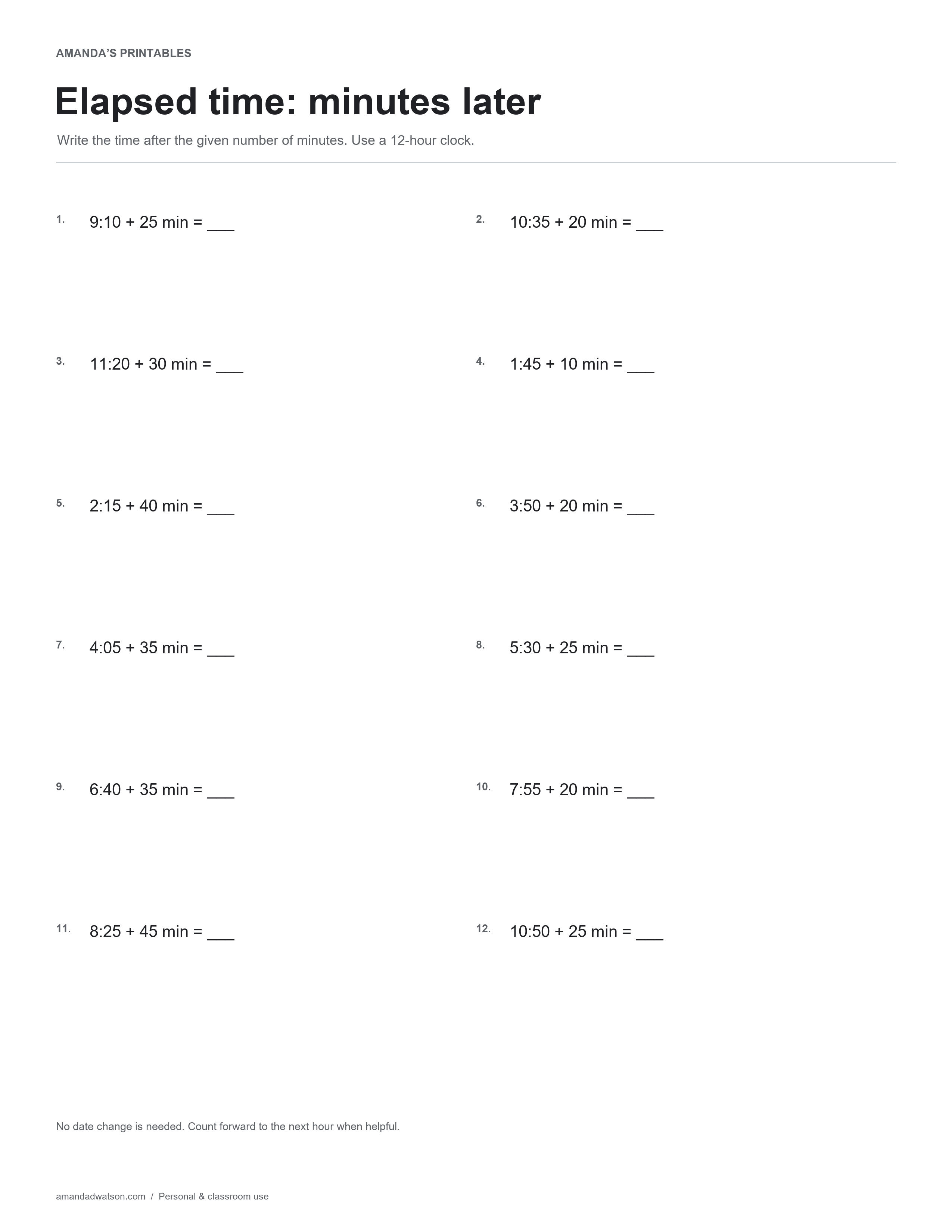
This elapsed time worksheet asks for a time after a given number of minutes. It contains twelve short intervals, including examples that stay within the same hour and examples that pass into the next hour. Record answers using the twelve-hour clock shown in the instructions.
Read the starting time and interval separately
In “9:10 + 25 min,” the starting minutes are ten and the elapsed interval is twenty-five. The question asks where the clock will be after that interval, not for the difference between the two printed numbers.
Use the next hour as a checkpoint
For a start at 3:50 with twenty minutes added, ten minutes reach 4:00 and ten more reach 4:10. Splitting the interval at the hour boundary can make the calculation easier to explain. For an item that does not cross the hour, keep the hour unchanged and add the minutes carefully.
Check the sixty-minute relationship
A clock hour contains sixty minutes. A result with minutes such as 70 is not written as an ordinary clock time; regroup a full sixty minutes into the next hour. A drawn number line with time labels can show the same step as moving the clock hands.
Review the route, not only the final time
The key gives the final time for each calculation. Ask the learner to describe how many minutes reached the next hour and how many remained when that step was used. That makes a regrouping error easier to distinguish from an addition error.
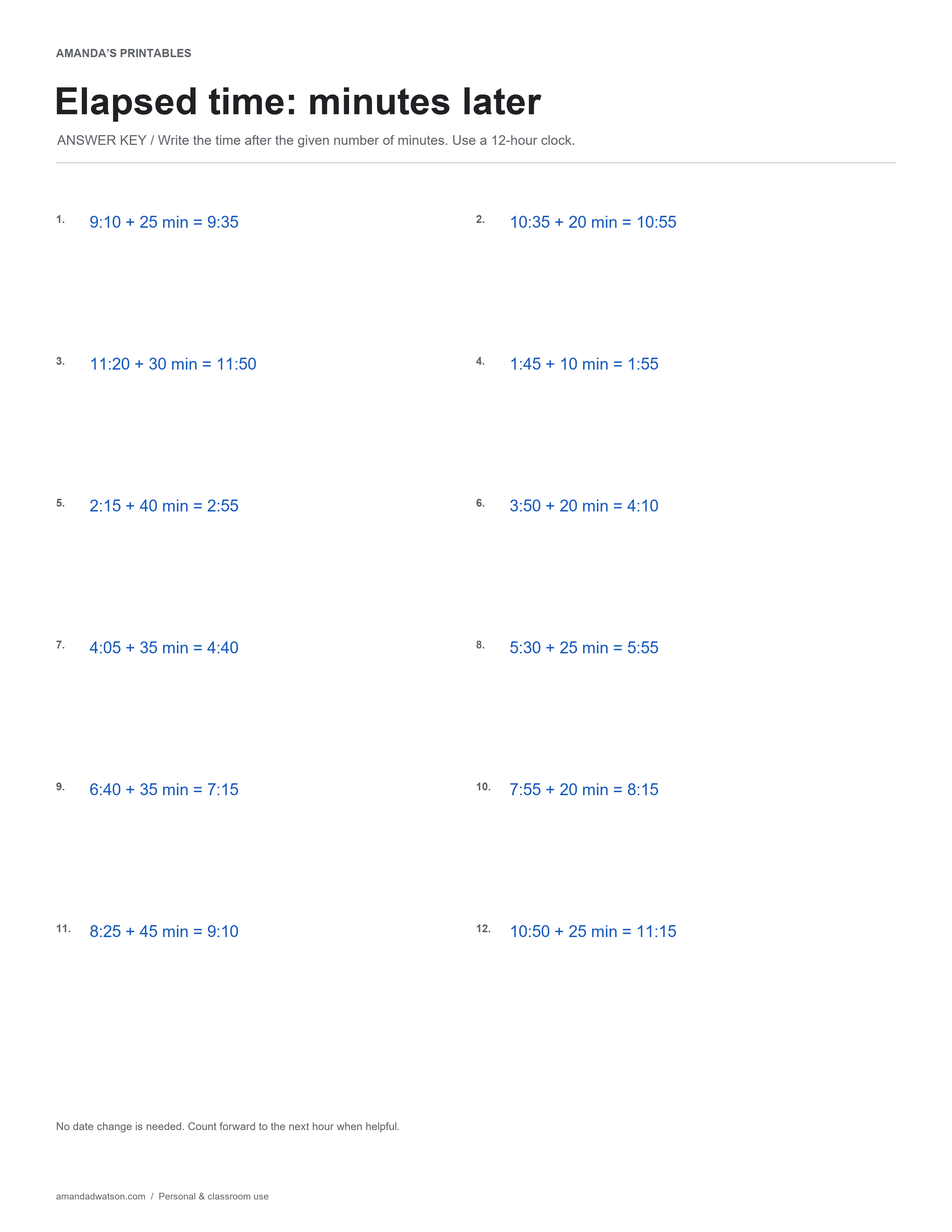
The page uses minute intervals only and does not ask about dates, time zones, or AM/PM changes. It is a focused follow-on to reading hour and half-hour clocks, with separate working space useful for showing the counting steps.
Answer key in text
- 9:10 + 25 min = 9:35
- 10:35 + 20 min = 10:55
- 11:20 + 30 min = 11:50
- 1:45 + 10 min = 1:55
- 2:15 + 40 min = 2:55
- 3:50 + 20 min = 4:10
- 4:05 + 35 min = 4:40
- 5:30 + 25 min = 5:55
- 6:40 + 35 min = 7:15
- 7:55 + 20 min = 8:15
- 8:25 + 45 min = 9:10
- 10:50 + 25 min = 11:15
Download and print
Use Download image beneath the printable for the original PNG. For a PDF, choose US Letter or A4 and select Download PDF; the website creates it from the image in your browser. Check the paper setting and print preview. These are flat printable pages, not fillable forms.
Print copies for personal and classroom use. When sharing online, link to the article rather than redistributing or reselling the files.