
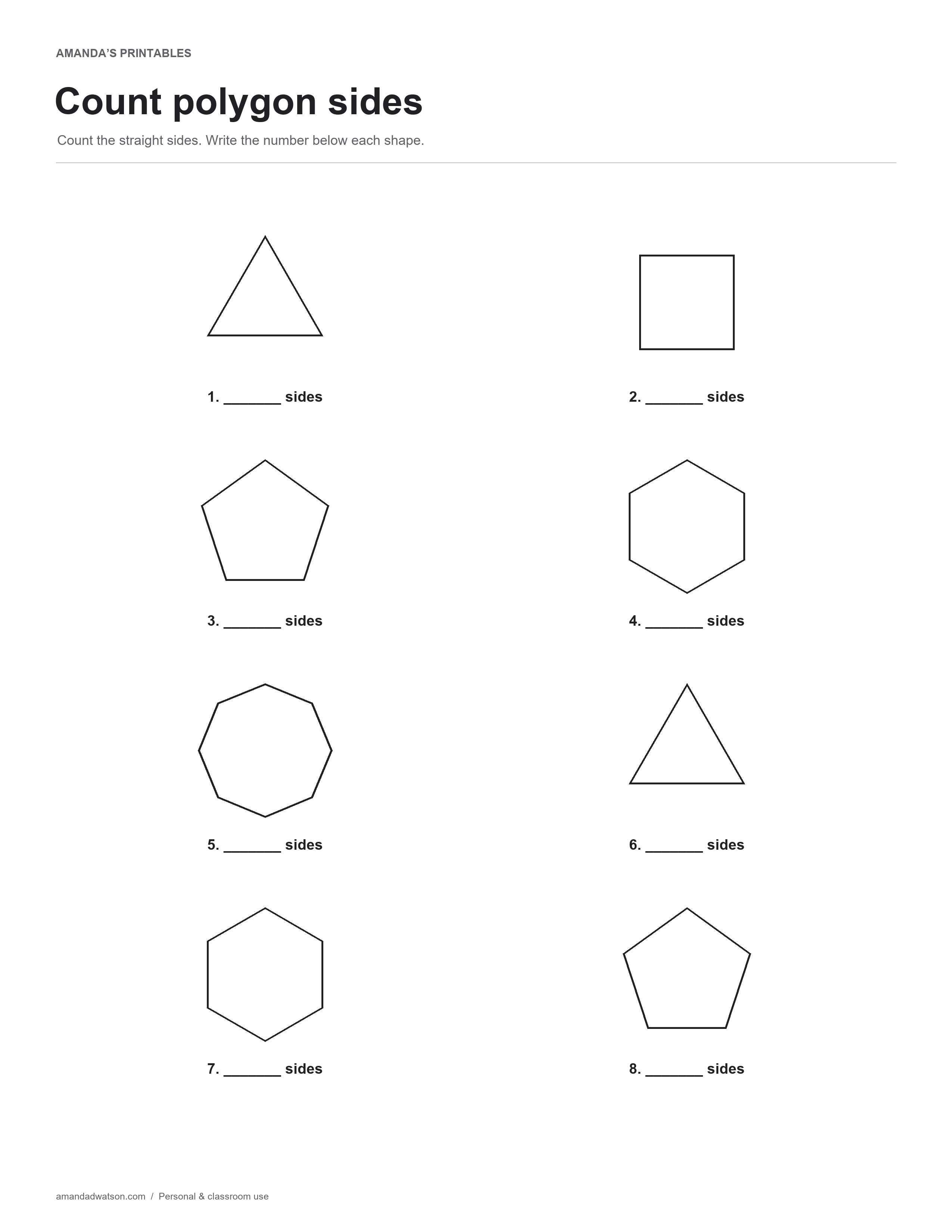
This counting shape sides worksheet shows eight closed polygons. Count the straight sides of each shape and write the number beneath it. The collection includes triangles, squares, pentagons, hexagons, and an octagon, with some shapes repeated.
Choose a starting edge
Point to one side and work around the outside in order. Move to the next straight edge at every corner, and stop when you return to the starting point. A small pencil mark beside the first edge can help avoid counting it twice.
Distinguish sides from corners
The question asks for straight edges, rather than dots inside the figure or spaces around it. For these simple polygons, the number of sides matches the number of corners, but use the edges as the object of the counting task. Trace the outline with a finger or pencil if that makes the sequence clearer.
Discuss orientation
Turning a square on the page does not change its four sides. This offers a useful opportunity to focus on the shape’s properties rather than its position. The worksheet does not include circles or open figures, so every item can be counted as a closed sequence of straight segments.
Check and name the shapes
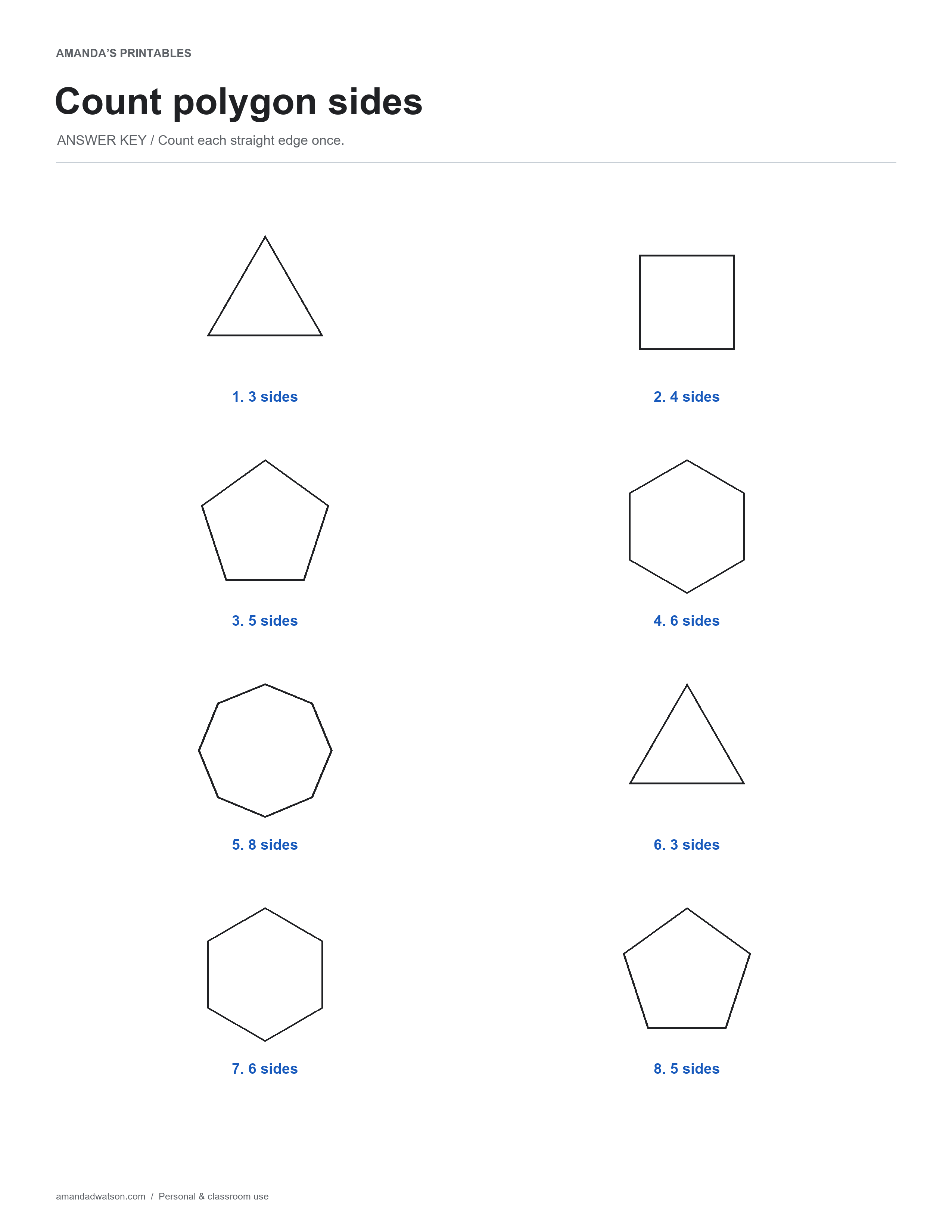
The printable key gives the side counts. The text answers below also name each shape, providing an optional second step after counting. Ask the learner to explain the count before using a familiar shape name as a shortcut.
Use a few shapes at a time if needed, and compare a pair with the same number of sides. A larger picture does not automatically have more sides; the count depends on the segments in its boundary. The page is a counting activity rather than a measurement or angle worksheet.
Side-count answers
- 3 sides — triangle.
- 4 sides — square.
- 5 sides — pentagon.
- 6 sides — hexagon.
- 8 sides — octagon.
- 3 sides — triangle.
- 6 sides — hexagon.
- 5 sides — pentagon.
Download and print
Use Download image beneath the printable for the original PNG. For a PDF, choose US Letter or A4 and select Download PDF; the website creates it from the image in your browser. Check the paper setting and print preview. These are flat printable pages, not fillable forms.
Print copies for personal and classroom use. When sharing online, link to the article rather than redistributing or reselling the files.