
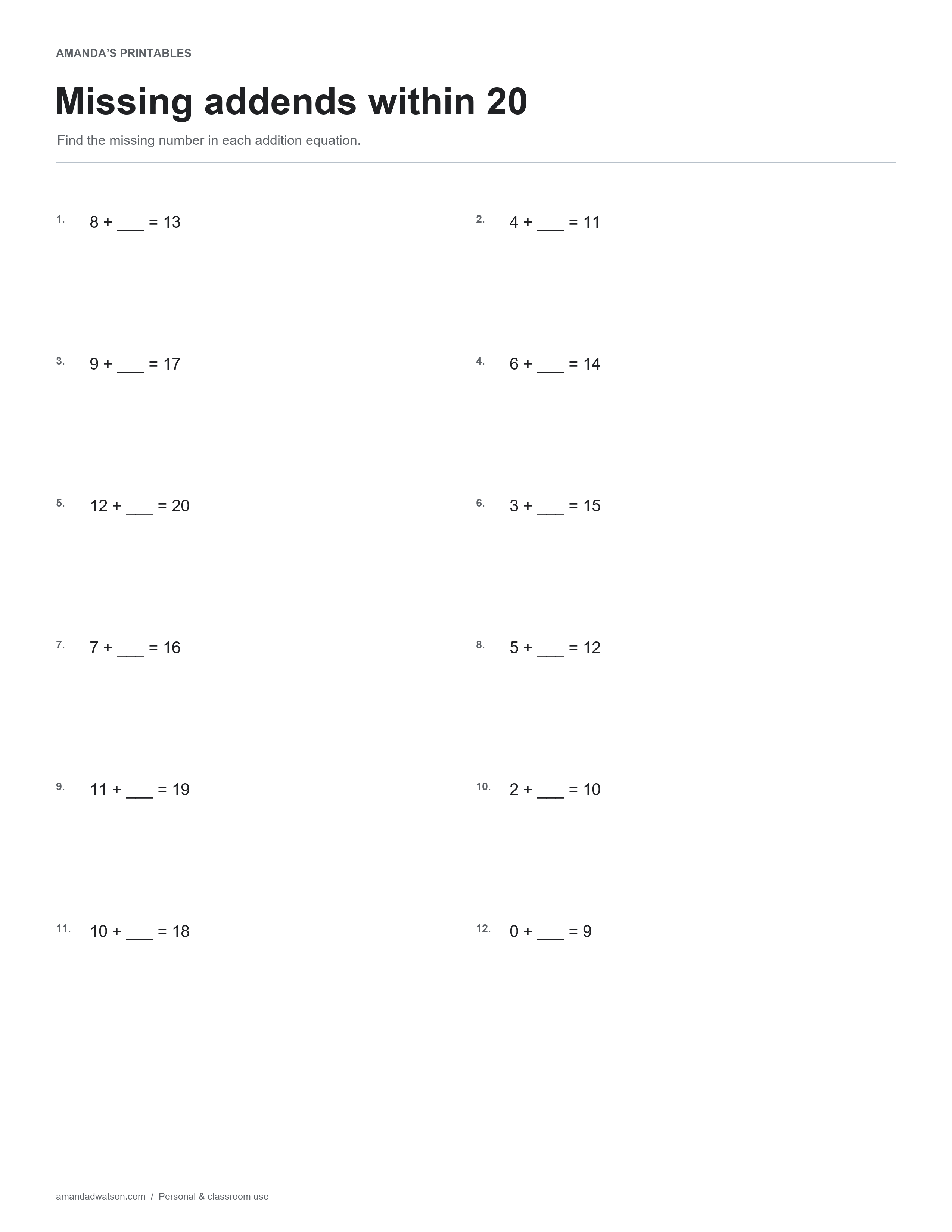
This missing addends within 20 worksheet gives twelve addition equations with the second addend left blank. The totals vary, so the learner must read each equation rather than assume every item makes the same number.
Identify what is known
In “8 + ___ = 13,” eight is the known part and thirteen is the whole. The question is how much more is needed. Read the equals sign as showing two expressions with the same value, rather than as an instruction that the answer always belongs at the far right.
Choose a representation
A learner can count on from the known part, use marks or objects, or think of the related subtraction. For the example above, counting the steps from eight to thirteen gives five. Check the result by substituting it into the original equation: 8 + 5 = 13.
Read every total separately
The page includes different known parts and totals, including a zero first addend. Before moving to a new item, ask which quantity is the whole in that particular equation. That small reading step helps prevent copying a previous strategy without checking the numbers.
Review errors with the equation intact
The answer image fills only the missing number, keeping the equation visible. If the learner writes the total in the blank, compare the two sides after substitution and show why the resulting equation is different. If the learner counts the starting number as the first step, use a number line or a second representation to check the count.
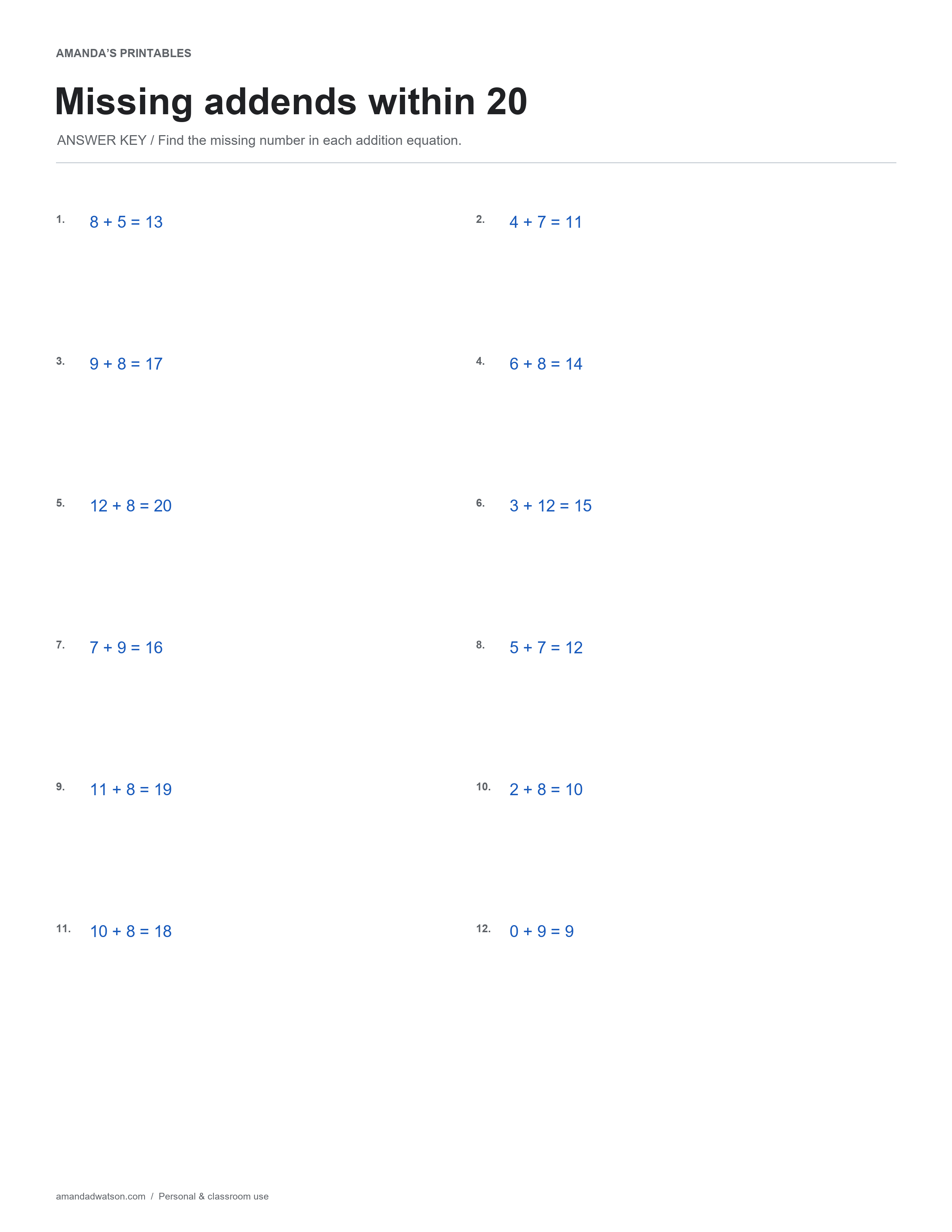
These are nonnegative whole-number addition facts with totals no greater than twenty. They do not introduce negative answers, decimals, or multi-step word problems. Use a few selected rows for a short focused session when that is more appropriate than completing all twelve at once.
Answer key in text
- 8 + 5 = 13
- 4 + 7 = 11
- 9 + 8 = 17
- 6 + 8 = 14
- 12 + 8 = 20
- 3 + 12 = 15
- 7 + 9 = 16
- 5 + 7 = 12
- 11 + 8 = 19
- 2 + 8 = 10
- 10 + 8 = 18
- 0 + 9 = 9
Download and print
Use Download image beneath the printable for the original PNG. For a PDF, choose US Letter or A4 and select Download PDF; the website creates it from the image in your browser. Check the paper setting and print preview. These are flat printable pages, not fillable forms.
Print copies for personal and classroom use. When sharing online, link to the article rather than redistributing or reselling the files.