
This 2027 calendar printable puts all twelve months on a single page. Use it to check dates, see how months line up, and keep a simple overview beside a larger planner. There are Sunday-start and Monday-start versions, so you can choose the week order you already use.
The calendar includes dates only. Holidays, school breaks, and local events are left unmarked so you can add the dates that matter to you.
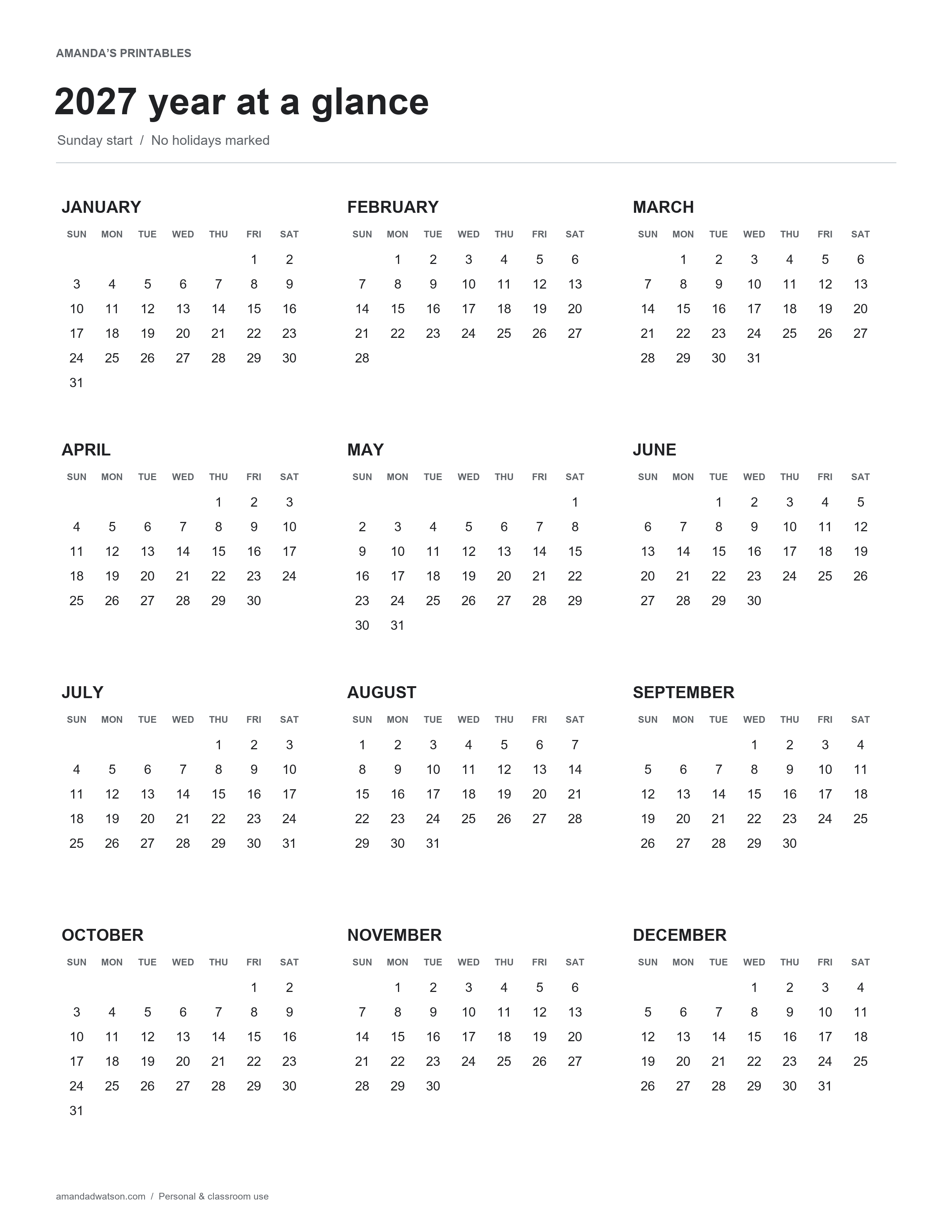
Sunday-start 2027 yearly calendar
In this layout, each week begins with Sunday on the left and ends with Saturday on the right. January 1, 2027 falls on a Friday. Check the weekday headings before adding your own marks.
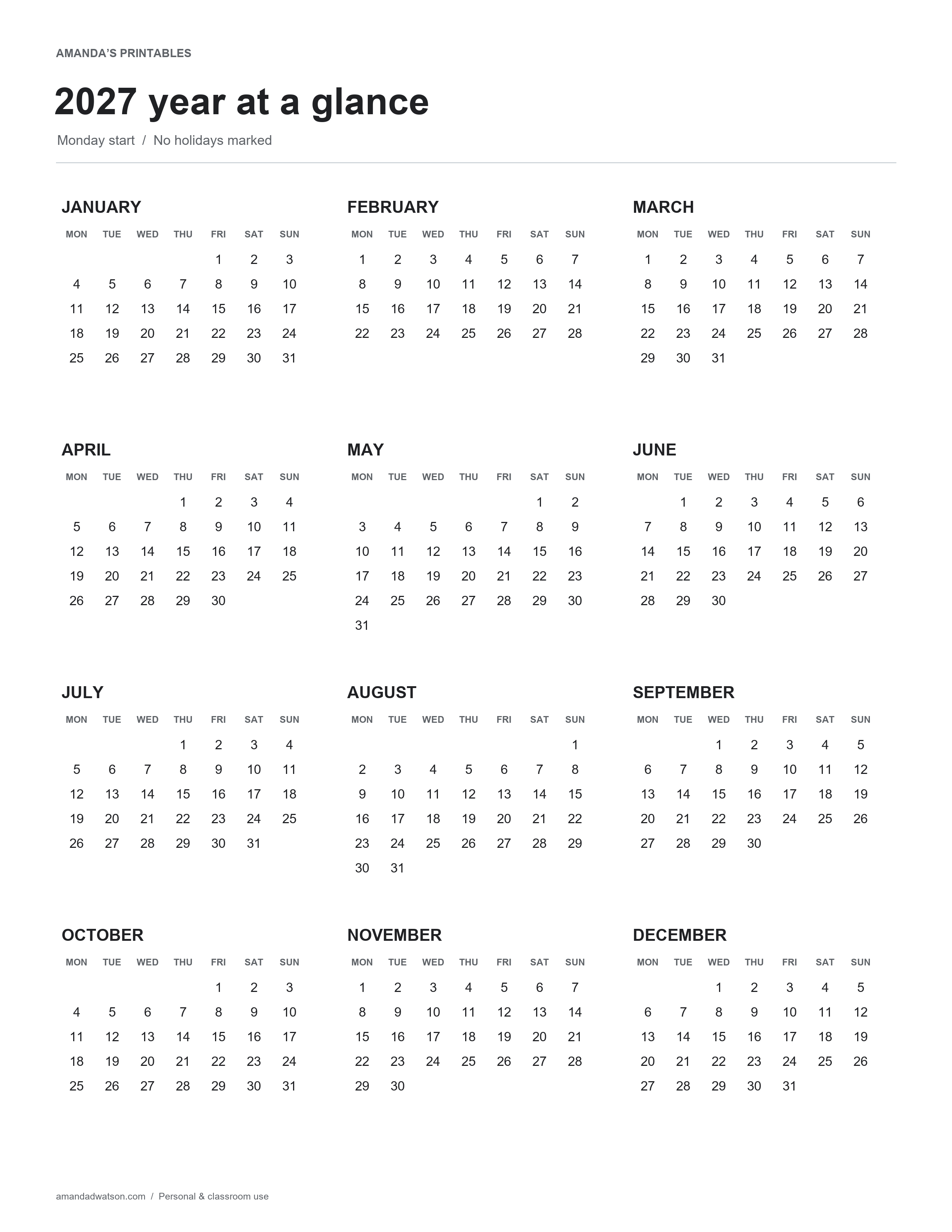
Monday-start 2027 yearly calendar
The Monday-start layout places Saturday and Sunday at the end of each row. It can be convenient when your work or study week follows the same order. Both versions contain the same 365 dates.
How to use a year-at-a-glance page
Begin with a small number of marks. Circle a birthday, underline the start of a project, or draw a light line around a group of travel dates. A yearly overview becomes harder to read when every day is filled with detail, so keep longer notes in a weekly or monthly planner.
You might use one symbol for personal events and another for deadlines. Write a short key on the back of the page if you want to keep those marks consistent. A pencil is useful for plans that may move.
Important date details
- 2027 is not a leap year, so February has 28 days.
- The year begins on Friday, January 1.
- All twelve months appear on each printable.
- The layouts show the standard Gregorian calendar.
- No holiday schedule or school calendar is built into the design.
Download and print the calendar
Use Download image for the original high-resolution PNG. To print a document, choose US Letter PDF or A4 PDF beneath your preferred layout. The website creates the PDF from that image while keeping its proportions.
A yearly calendar uses small date text to fit twelve months on one page. Print a clear test copy and keep it where you can read it comfortably. Use a monthly page when you need larger boxes for writing.
Can I edit the dates?
The dates are part of a flat image. The generated PDF has no fillable fields. Add marks by hand after printing or use an annotation app for your own notes.
This original calendar is free for personal and classroom use. Please share the article link rather than reposting the downloadable files.