
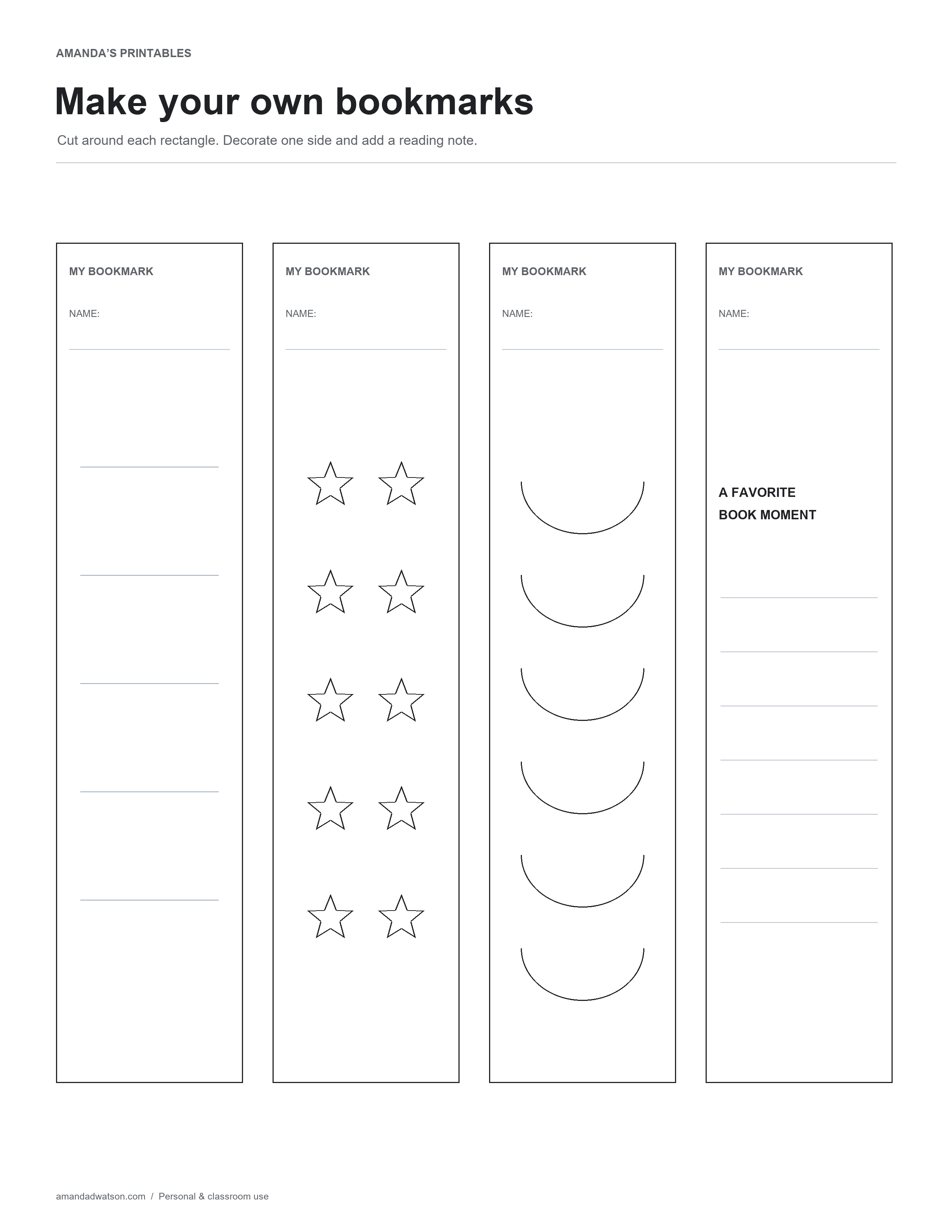
These printable bookmark templates turn one sheet into four bookmarks to decorate and use. Each rectangle has a name field, with a different simple design beneath it.
Four bookmarks on one page
Choose a lined design, a row of outlined stars, a repeating arc pattern, or a bookmark with space for a favorite book moment. The black-and-white artwork leaves room for colored pencils, pens, or your own small drawings.
Make a bookmark
- Print a test page and choose a paper weight your printer supports.
- Write a name and decorate the bookmark while the page is still whole.
- Cut around the outer rectangle. An adult should supervise children using scissors.
- Let any wet ink or glue dry before putting the bookmark in a book.
The rectangles are cutting guides; there are no fold lines or prepunched ribbon holes. If you add a hole, leave enough paper around it so the top edge stays intact.
Use the reading-note version
The final design has lines under “A favorite book moment.” Write a short note about a scene, an interesting fact, or a question to return to. Avoid placing a bulky decoration inside a book where it could press against the pages.
Try a small group activity
Let readers choose different designs, then share one sentence about the books their bookmarks will go into. The page provides four separate bookmarks, so you can cut out just the ones needed and keep the rest for another day.
Download and print
Use Download image beneath a printable to save the original PNG. Choose US Letter or A4 if you want the website to create a one-page PDF. Check the paper size and preview before printing; these pages are images with handwriting spaces, rather than fillable forms.
These original designs are free for personal and classroom use. Please share the article link when recommending them, and do not resell or redistribute the files.