
What this printable helps you do
Test whether a short instruction sequence can be followed. Define a small question that a sketch or prototype can answer. Keep assumptions, observations and decisions in separate notes. When someone volunteers feedback, record what happened before explaining why you think it happened. Test a focused change and compare it with the earlier version. A completed worksheet documents thinking; it does not certify a design or guarantee a result.
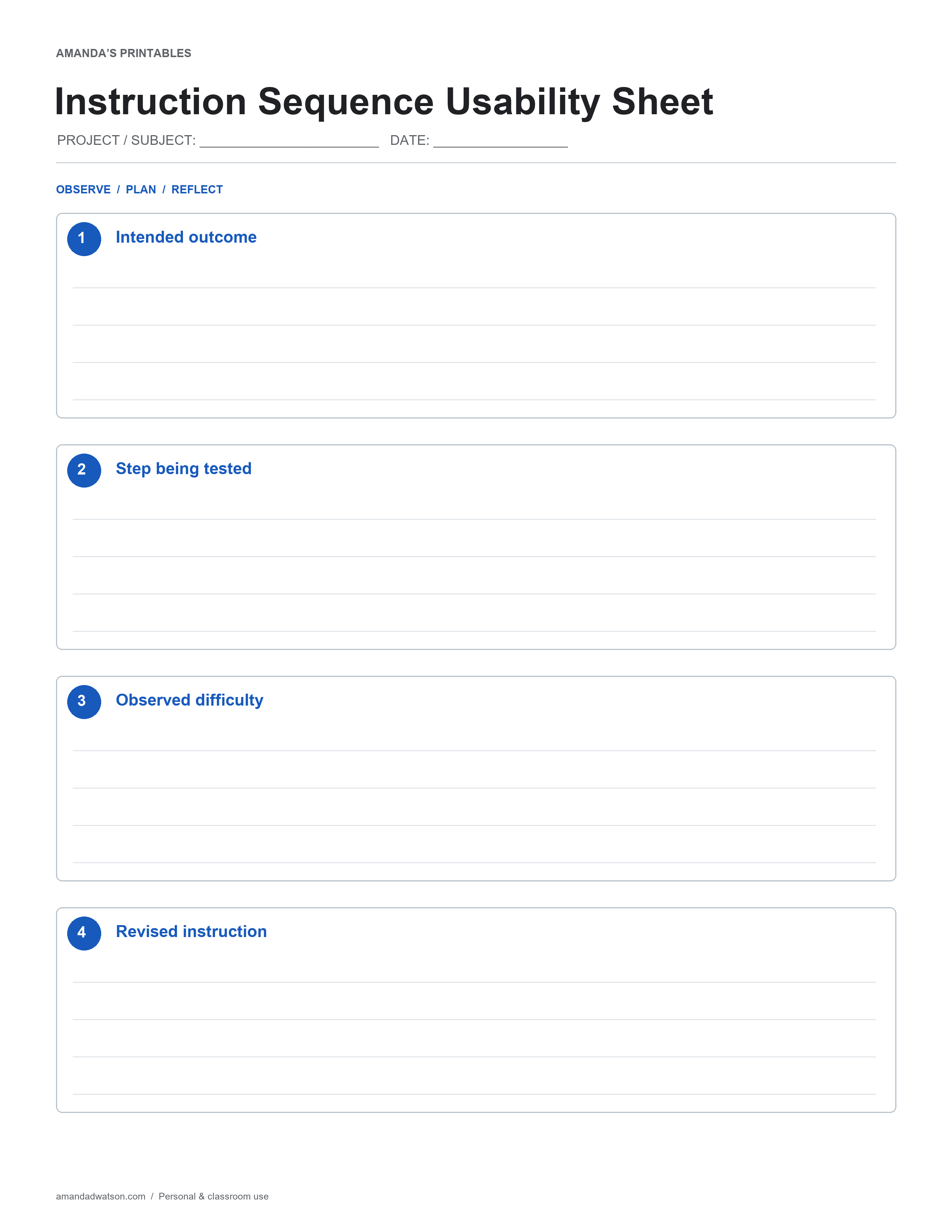
What is on the page
Four numbered writing areas guide you through a short sequence. Complete the early steps before deciding what to put in the later ones, and return to an earlier box if the evidence or plan changes. The four headings are Intended outcome, Step being tested, Observed difficulty, Revised instruction. Add a subject identifier and date at the top so the page can be understood when you return to it.
How to use it
Give a volunteer a safe ordinary task and observe where they need missing information. Start with one example rather than filling the whole page at once. Use ordinary language you will understand later and add a reference where a note depends on another source.
A practical example
A folding instruction may fail because the starting side of the paper was never specified. This illustrates how to begin; the downloadable page is blank so you can use your own subject, materials and observations.
Review before you reuse it
Add information that resolves the observed problem and retest the changed step. Read the finished page from the perspective of someone who was not present. Clarify an abbreviation, mark an unanswered question and identify the next small action if one is needed.
Download and print
Use Download image beneath the printable to save the original 2550 × 3300 PNG. Select US Letter or A4 and choose Download PDF to create a flat one-page PDF in your browser. Match the printer paper setting and use uniform scaling so the page stays in proportion. Check the title and bottom writing areas in print preview, then make one test copy before printing a set. This is a handwriting resource, not a fillable form or an editable spreadsheet. Original pages are for personal and classroom use; share the article link when recommending the resource.