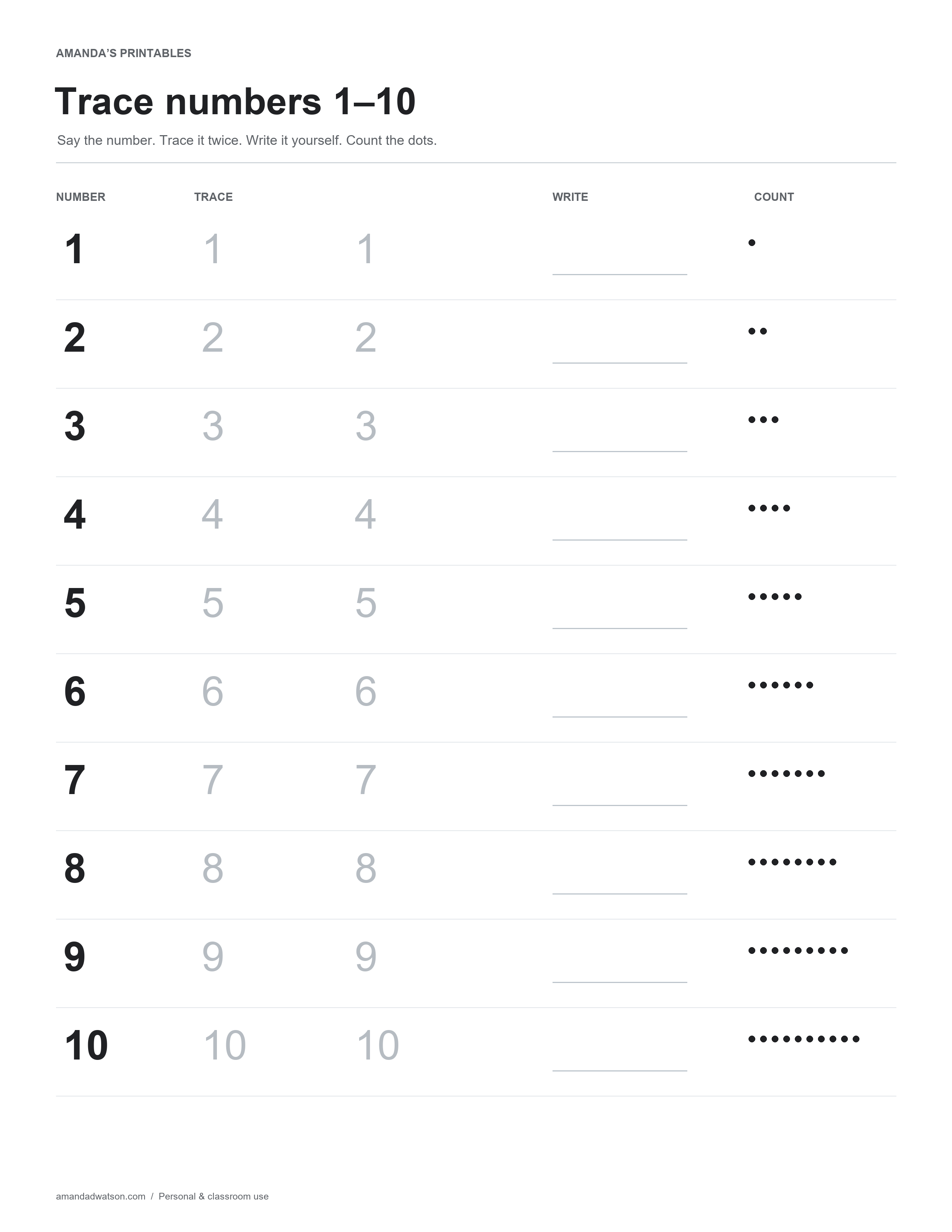
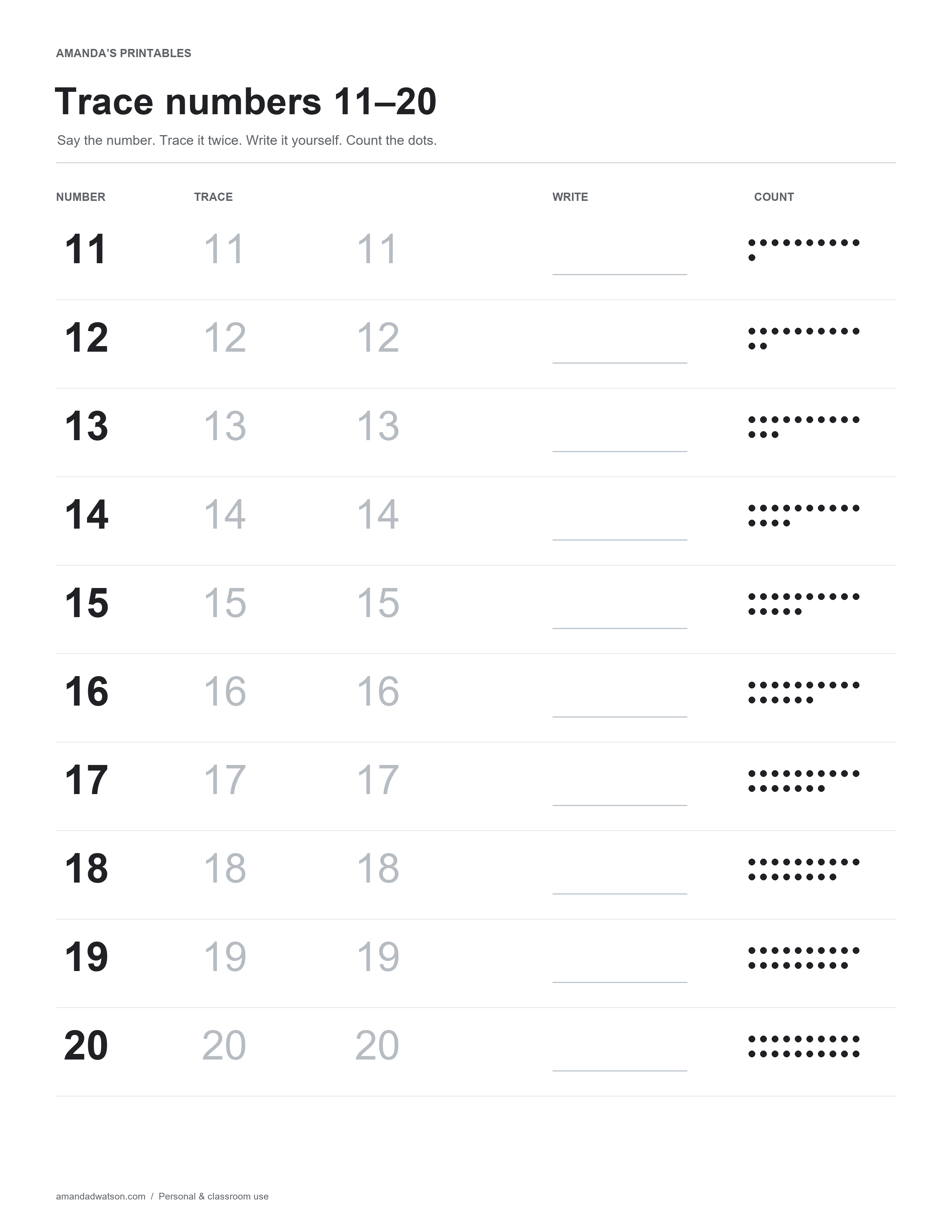
These number tracing worksheets 1–20 connect written numerals with quantities. Each row has a dark reference number, two light tracing examples, a space for independent writing, and a matching group of dots to count.
The set is split into two pages. Start with numbers 1–10 or move to 11–20 when those numerals are useful for your learner.
Trace numbers 1–10
Use this page for a smaller starting set. Say the number, point to its printed form, and count the dots on that row. The tracing examples are light gray so a learner can see their own pencil marks over them.
Trace numbers 11–20
The second page introduces two-digit numerals from 11 through 20. The dot groups use rows of up to ten dots, which makes it possible to notice a full row of ten and count the remaining dots.
A short practice routine
- Name the number. Read it aloud together and find the same numeral in the two tracing examples.
- Trace slowly. Follow the shape with a pencil. Use the formation method your learner is already being taught.
- Write independently. Use the blank line to try the numeral without tracing.
- Count the quantity. Touch or point to each dot once while counting.
One or two rows can be enough for a short session. There is no requirement to finish an entire page at once. Return to a familiar row when you want to compare a new attempt with an earlier one.
Connect the dots with real objects
After completing a row, build the same quantity with counters or other suitable classroom objects. For 14, you might arrange ten counters in one row and four in a second. Ask the learner to compare that arrangement with the dots on the page.
The printed numbers are models, not a handwriting assessment. The sheets do not include numbered stroke arrows or a claim about which formation style a school requires.
Printing and format
Download either original PNG or choose US Letter or A4 to generate a PDF beneath the image. Check a test print to make sure the light tracing numbers are visible on your printer. Use standard print quality if a draft or economy setting makes them too faint.
The pages are flat images without fillable fields. You may print them for personal and classroom use. Please share the article link instead of redistributing the files.