
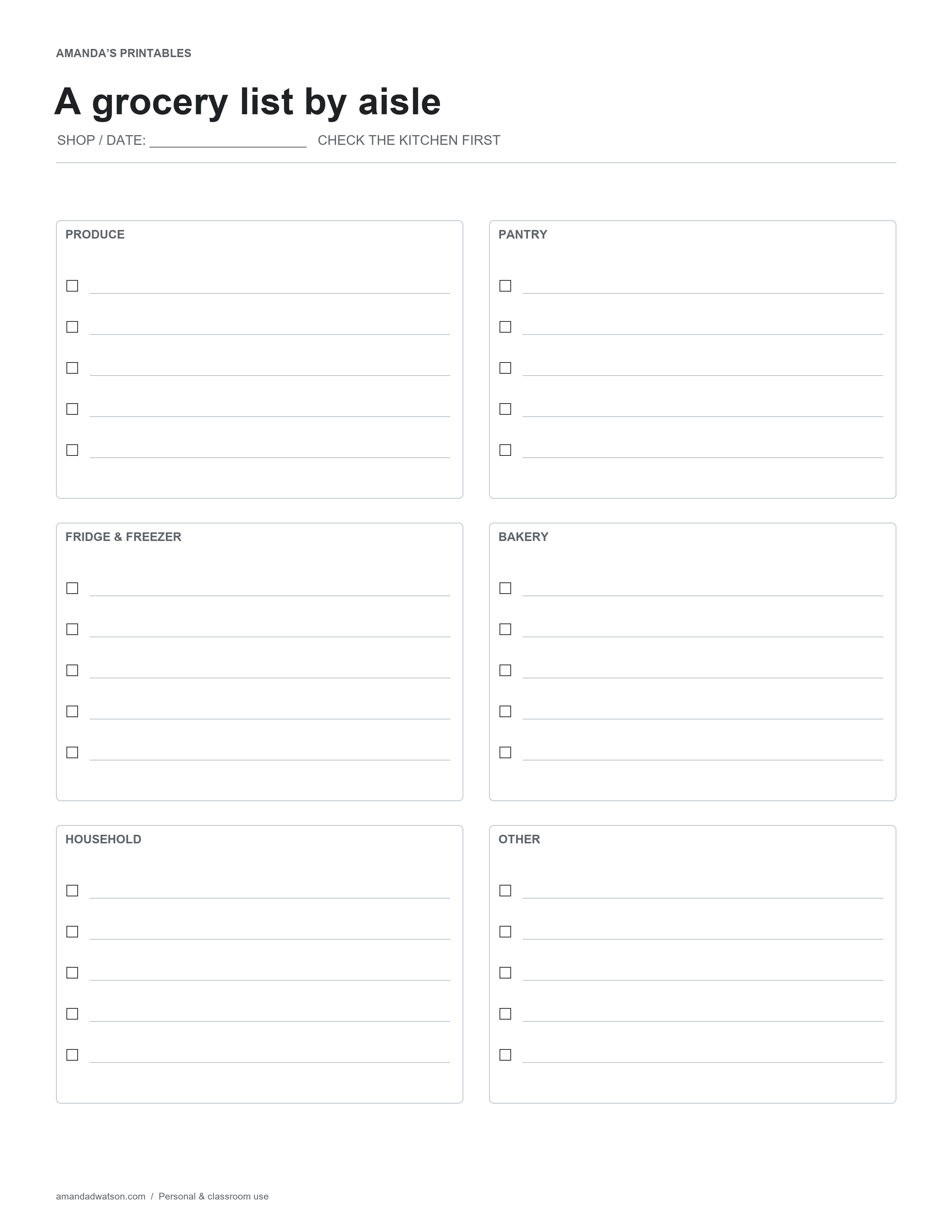
This grocery list printable divides one shopping page into six sections: Produce, Pantry, Fridge & Freezer, Bakery, Household, and Other. Each section has five blank checkbox lines, giving you thirty entries without a long, undifferentiated list. A shop and date field at the top helps distinguish one trip from the next.
Build the list from what is missing
Look through the kitchen before writing. Compare the meals you plan to make with the ingredients already on hand, then add the gaps. Keep a short item name and useful quantity on the same line, such as “apples — 6” or “plain yogurt — 1 tub.” The printed categories are broad enough to use with different store layouts.
Choose where each item belongs
Put an item in the section that will help you find it in your usual shop. A product that comes in several forms may belong in different sections depending on the version you need. The page is a shopping aid, so consistency with your own route matters more than a strict classification system.
The Household box keeps cleaning supplies and other non-food items from getting lost among ingredients. Use Other for an item that does not fit the printed headings, a second shop, or a reminder to check a price or package size.
Mark changes clearly while shopping
Check an item after placing it in your basket. If you choose a substitute, cross out the original and write the replacement beside it. Leave an unavailable item unchecked and circle it if it needs to carry over to another trip. Those distinct marks help separate “bought” from “still needed” when you look at the page later.
Make a shared list easy to read
If several people add items, agree on names and quantities before the trip. Combine duplicate entries rather than leaving two similar lines in different sections. For a very large shop, print a second page or keep a continuation list; squeezing several unrelated items onto one line makes checkboxes less useful.
Download and print
Use Download image beneath the printable for the original PNG. For a PDF, choose US Letter or A4 and select Download PDF; the website creates it from the image in your browser. Check the paper setting and print preview. These are flat printable pages, not fillable forms.
Print copies for personal and classroom use. When sharing online, link to the article rather than redistributing or reselling the files.