
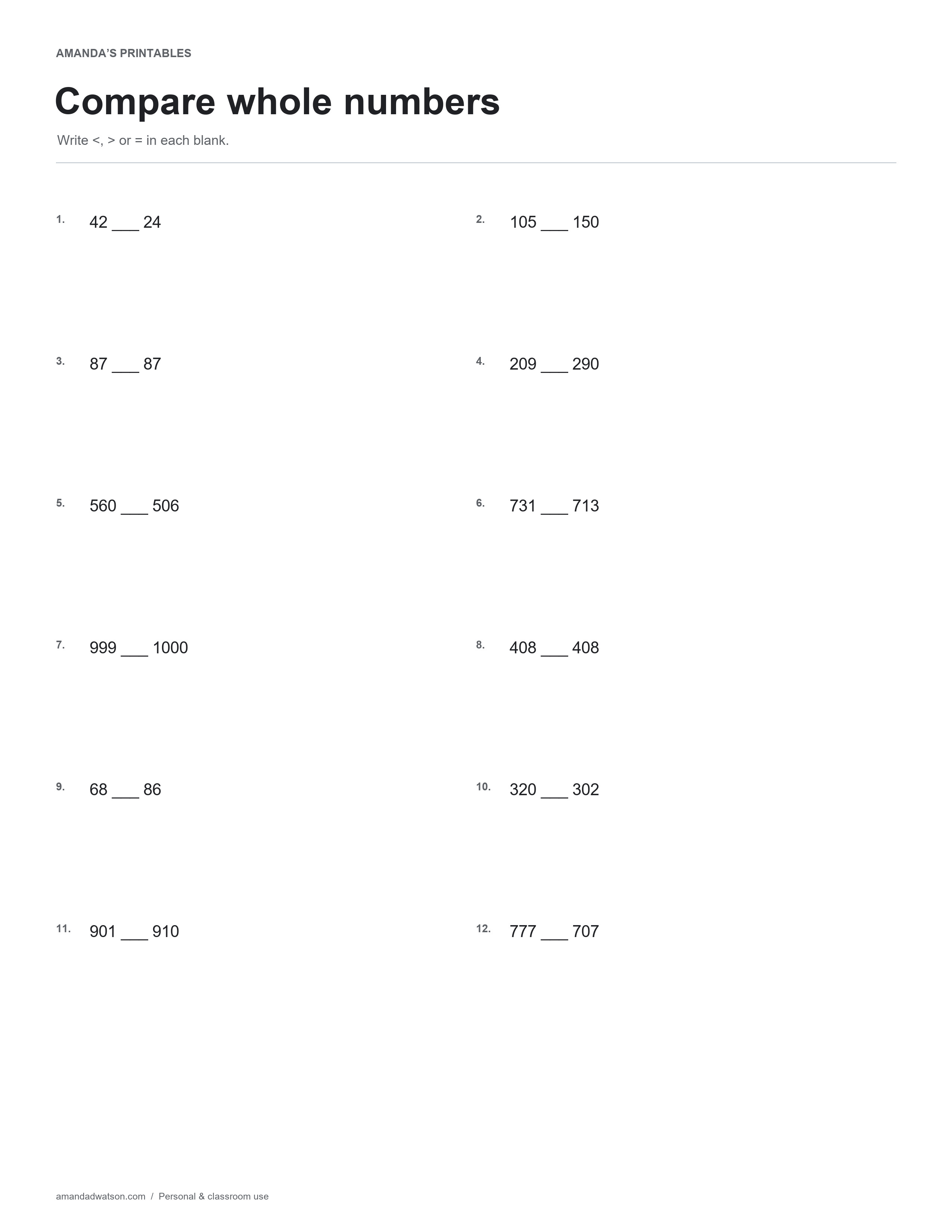
This comparing numbers worksheet presents twelve pairs of whole numbers with a blank between them. Write <, >, or = to show their relationship. The set includes two-, three-, and four-digit values, as well as pairs that are equal.
Compare place values before choosing a symbol
Read both numbers. For numbers with the same number of digits, compare the largest place first and move right only when the digits in that place match. For 209 and 290, the hundreds match, so the tens decide the comparison. A place-value chart can make the process visible.
Read the completed statement aloud
After writing a symbol, read the entire expression as a sentence. “42 is greater than 24” checks both the numerical comparison and the direction of the symbol. An equals sign belongs only when the two values are the same, even if the printed numbers initially look very similar.
Watch the number of places
The pair 999 and 1000 offers a chance to compare values with a different number of whole-number digits. Discuss the thousands place rather than judging by the first visible digit alone. This page uses ordinary positive whole-number notation, without leading zeroes, negative signs, or decimal places.
Check one kind of decision at a time
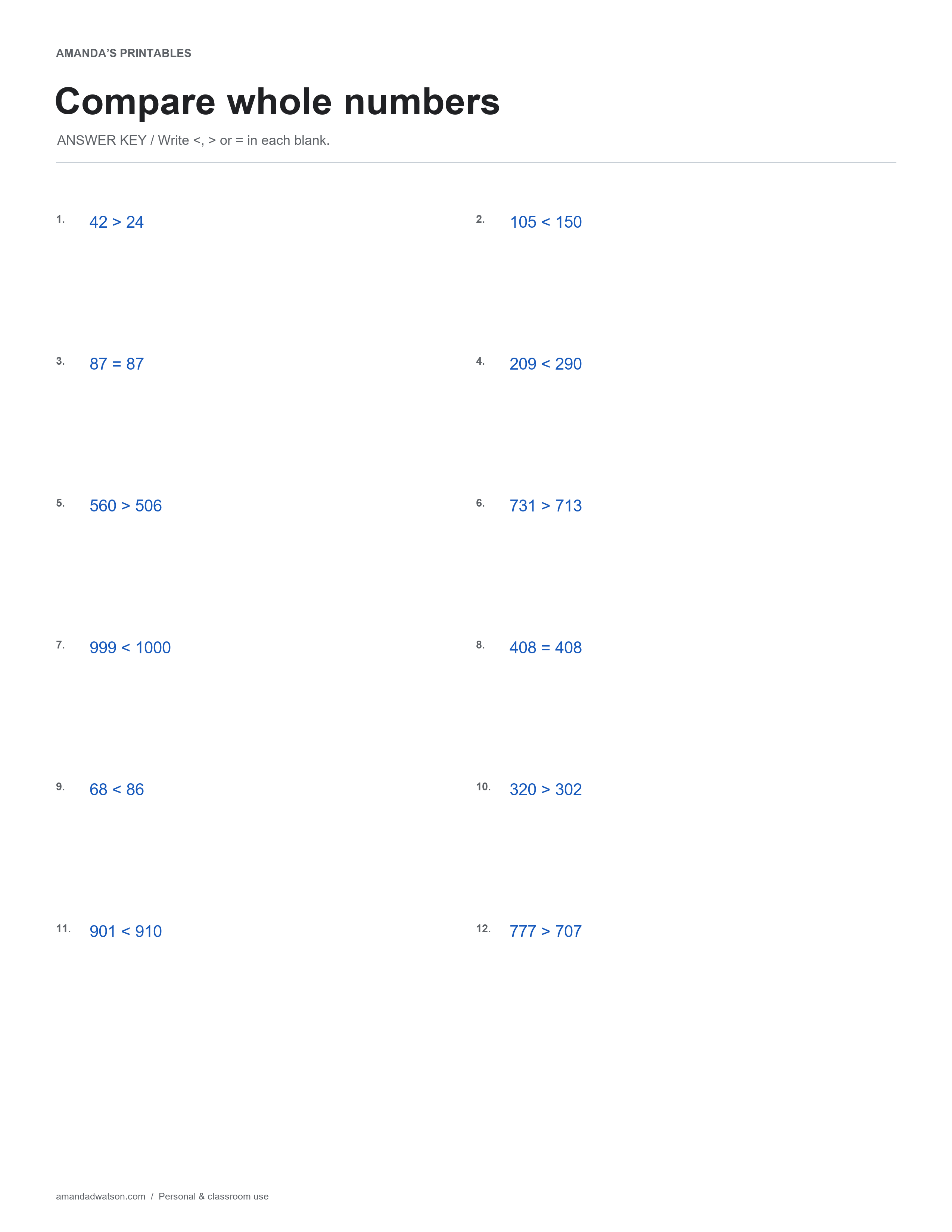
If the correct larger value was identified but the symbol faces the wrong way, focus on reading the relationship. If the numerical comparison itself is mistaken, return to place values. The answer key can confirm the completed statements while keeping those two possible difficulties distinct.
For a shorter activity, cover all but a few pairs and ask the learner to explain one choice. The aim is a meaningful comparison, not a fast page of marks whose direction has been guessed.
Answer key in text
- 42 > 24
- 105 < 150
- 87 = 87
- 209 < 290
- 560 > 506
- 731 > 713
- 999 < 1000
- 408 = 408
- 68 < 86
- 320 > 302
- 901 < 910
- 777 > 707
Download and print
Use Download image beneath the printable for the original PNG. For a PDF, choose US Letter or A4 and select Download PDF; the website creates it from the image in your browser. Check the paper setting and print preview. These are flat printable pages, not fillable forms.
Print copies for personal and classroom use. When sharing online, link to the article rather than redistributing or reselling the files.