
Learning Worksheets
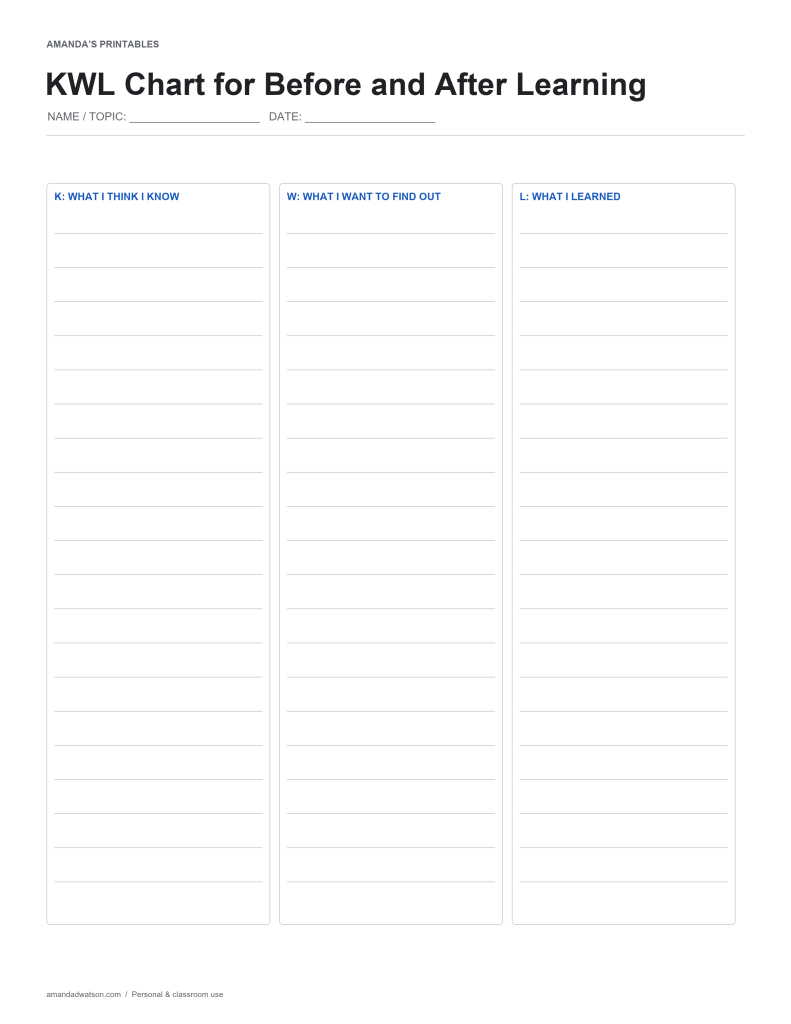
KWL Chart Printable for Before and After Learning
Use three columns to record what you think you know, what you want to find out and what you learned.
View printableFree printable templates for your everyday plans and routines.
Use three columns to record what you think you know, what you want to find out and what you learned.
View printable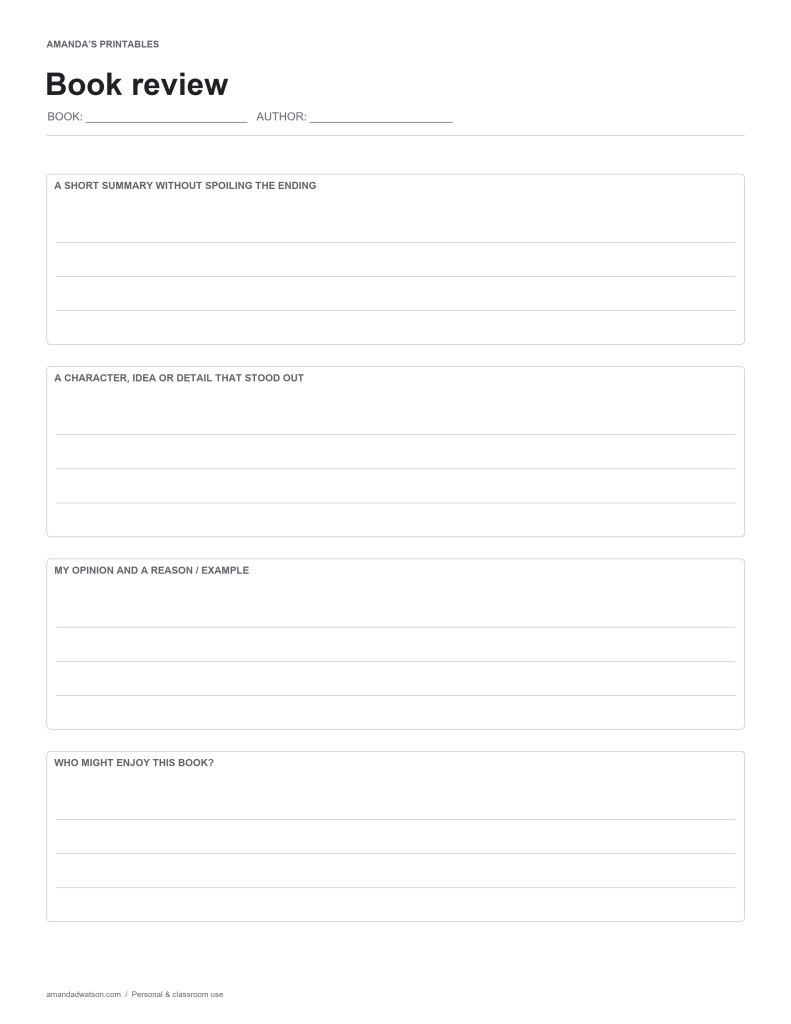
Write a spoiler-free summary, standout detail, supported opinion, and reader recommendation on one original book-review page.
View printable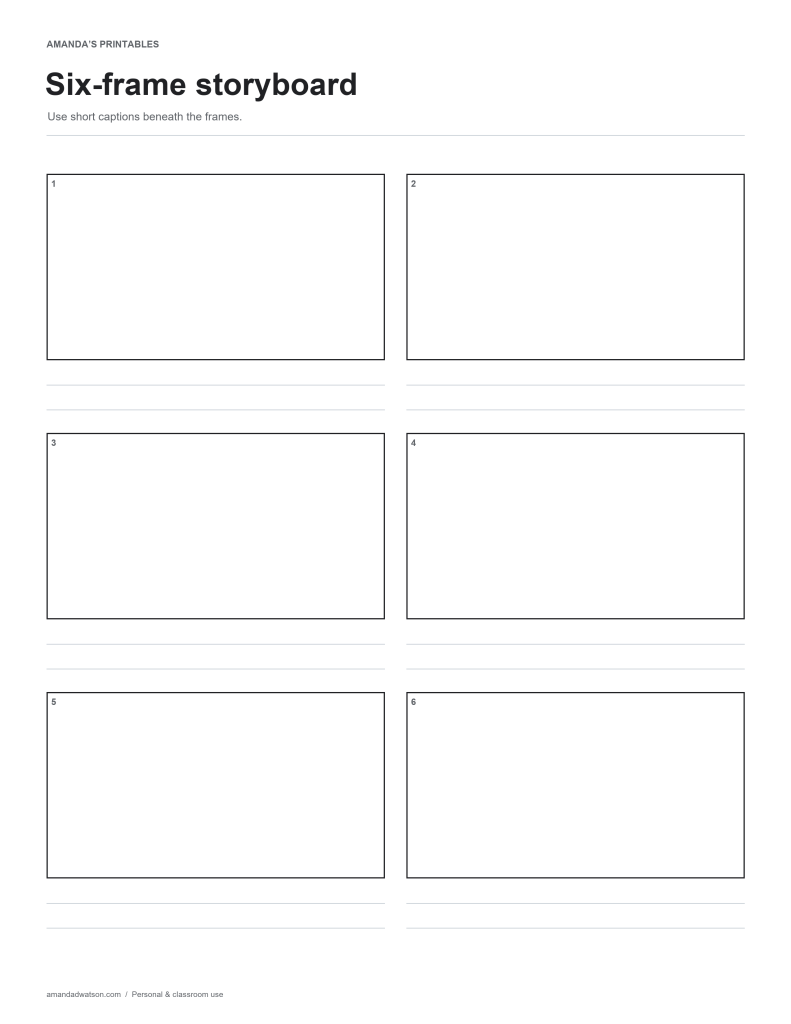
Plan a sequence with six storyboard frames and caption lines, or draw a six-panel comic on a second original printable page.
View printable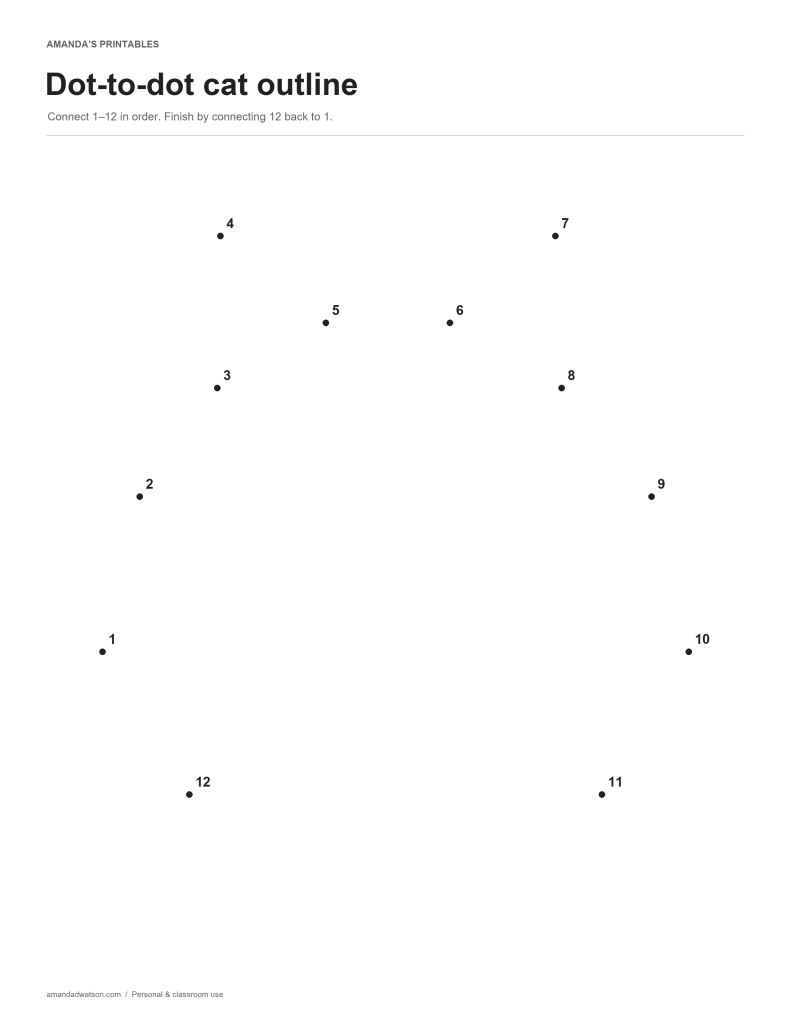
Connect twelve numbered points and close the outline to make a simple cat head. Includes an original puzzle image and a completed…
View printable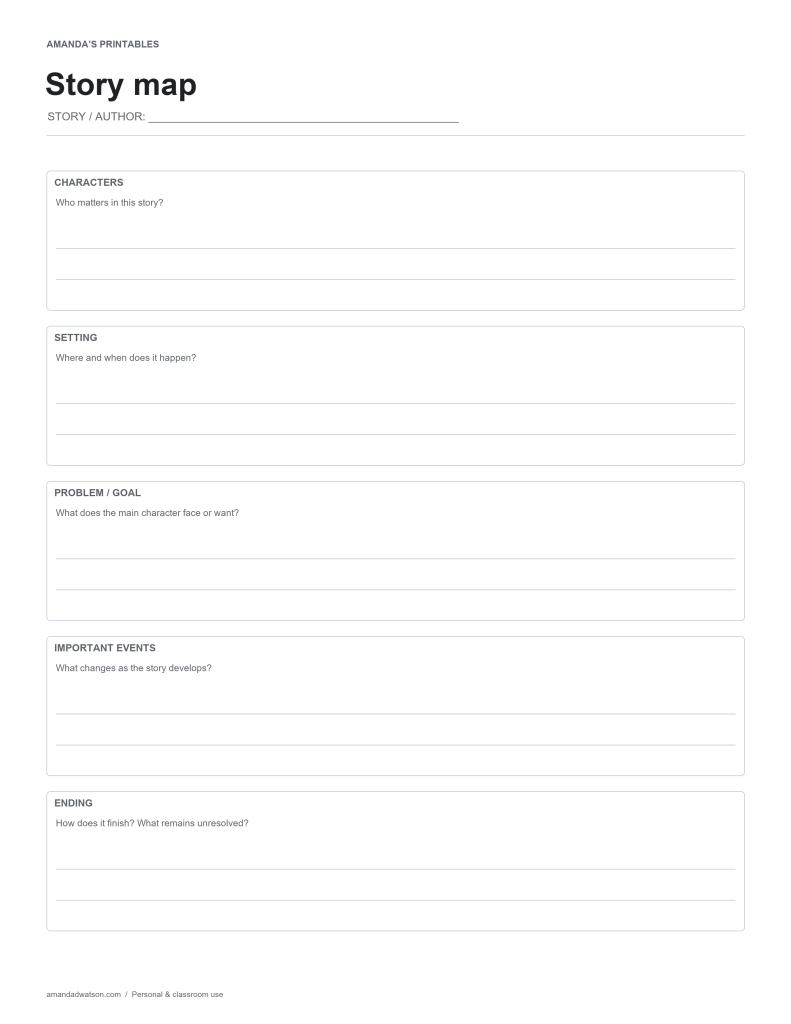
Organize characters, setting, problem or goal, important events, and ending on a five-section story map. A blank printable for reading or planning.
View printable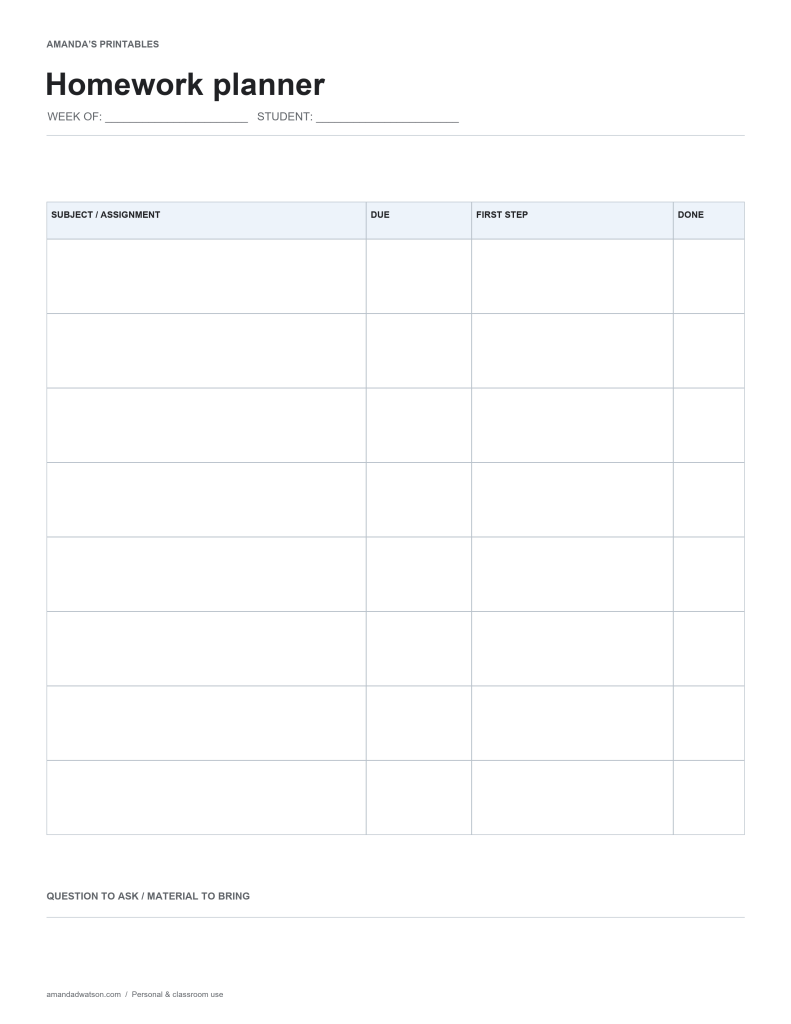
Organize eight assignments with a subject, due date, first step, and completion column. Includes a question or materials reminder line.
View printable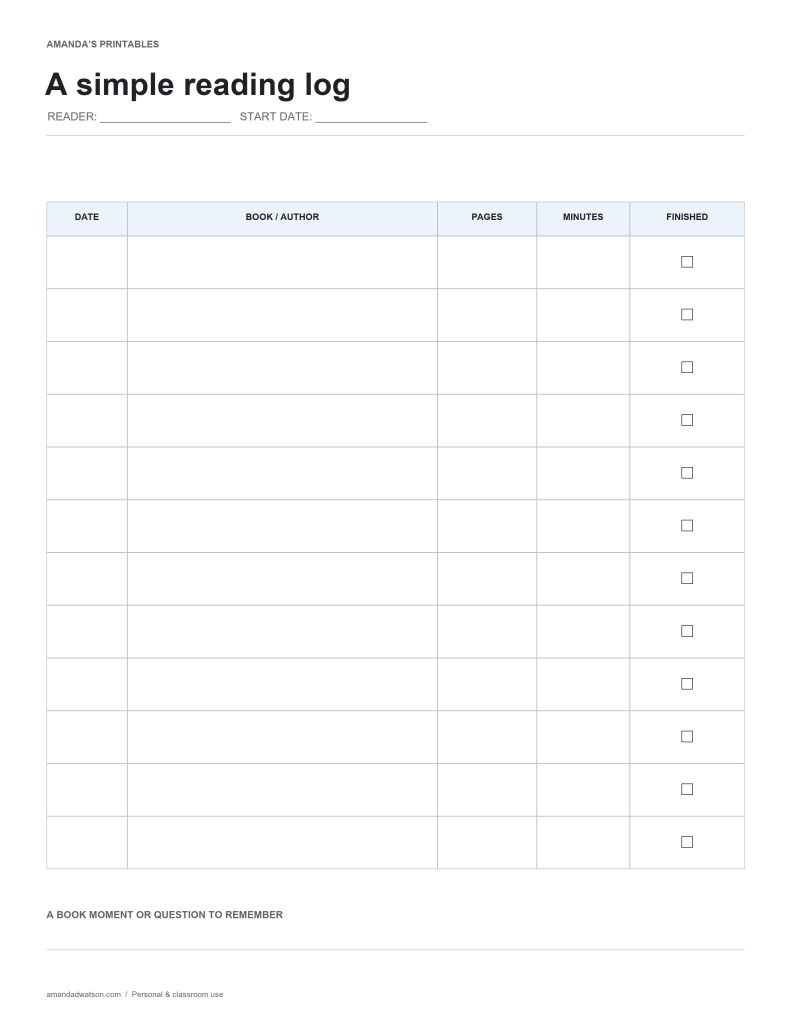
Record twelve reading sessions with date, book or author, pages, minutes, and a finished checkbox. Includes a line for a book moment…
View printable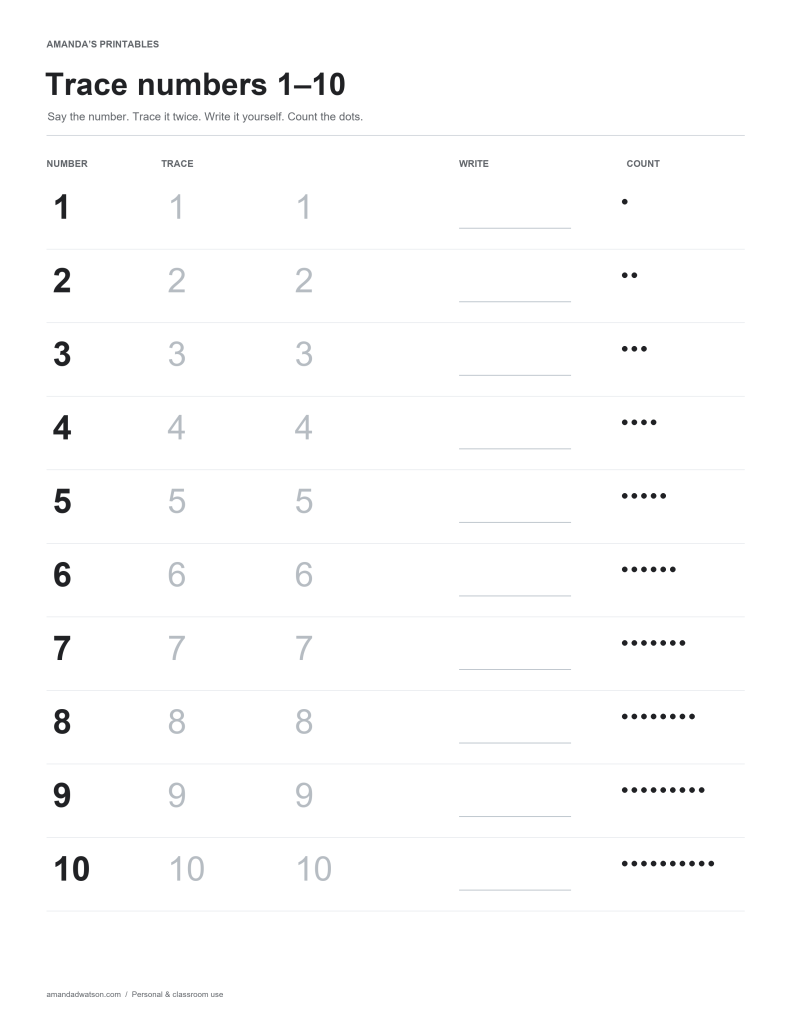
Practice numbers 1 to 20 with two original number tracing worksheets, writing spaces, and matching counting dots. Download images or generate PDFs.
View printable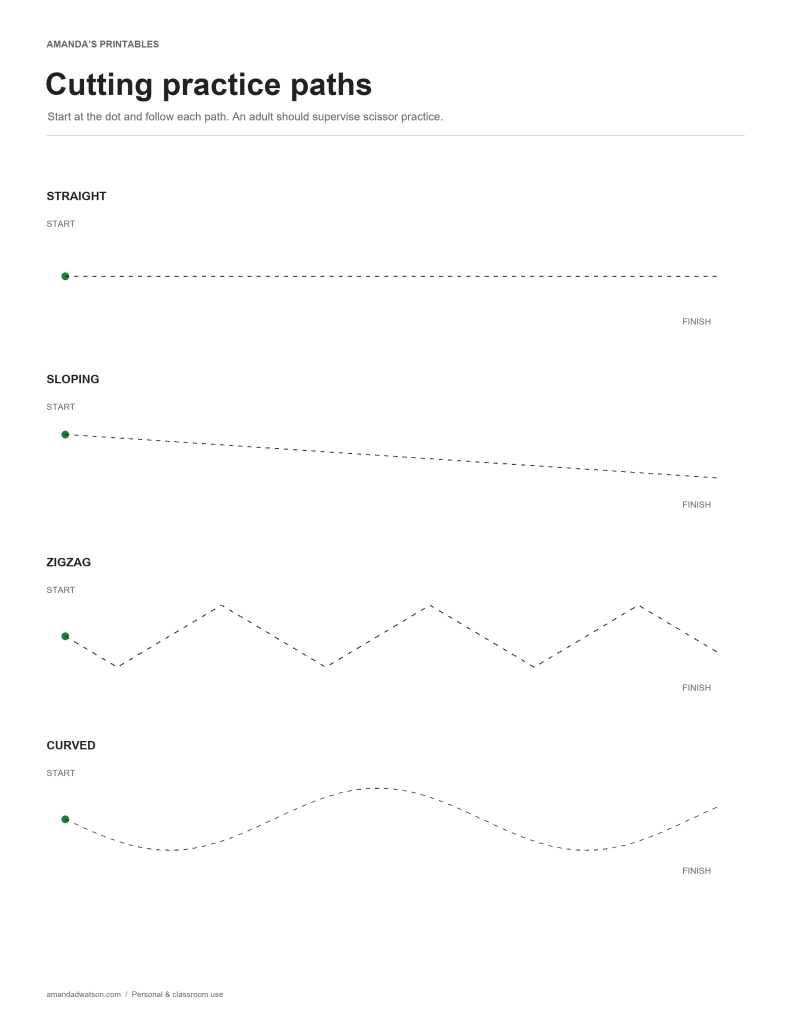
Print four cutting-practice paths: straight, sloping, zigzag, and curved. Download the original worksheet image or generate an A4 or US Letter PDF.
View printable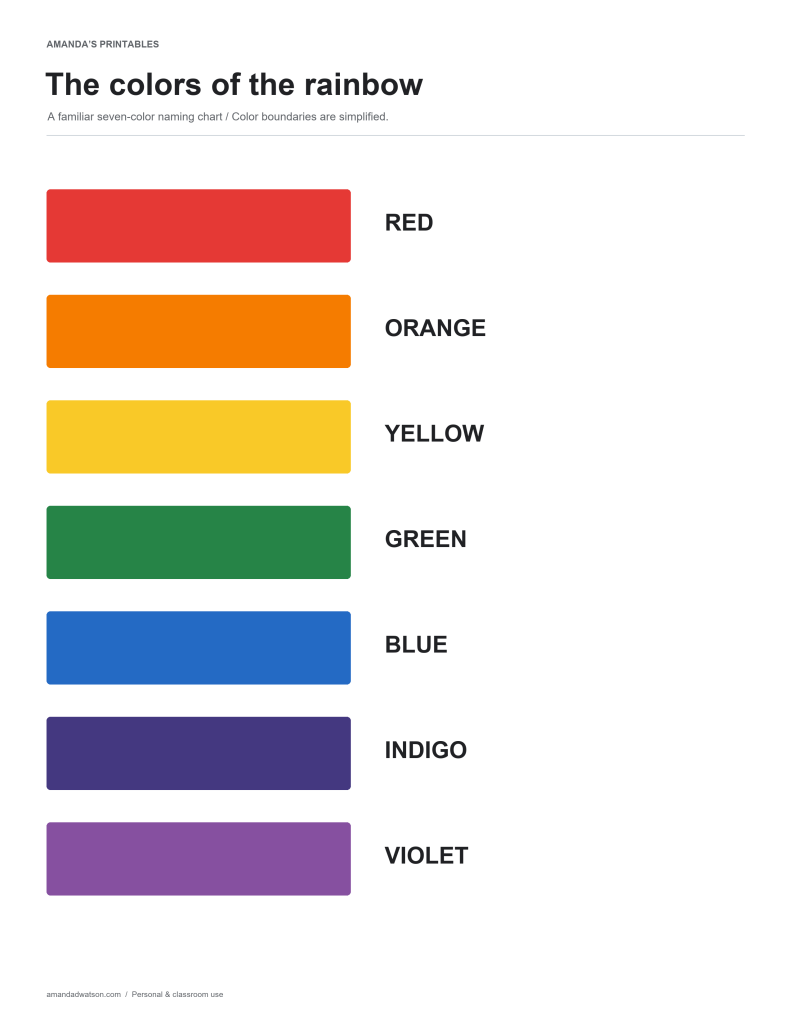
Use a simple printable chart in the familiar rainbow order: red, orange, yellow, green, blue, indigo, and violet. Includes clear written color…
View printable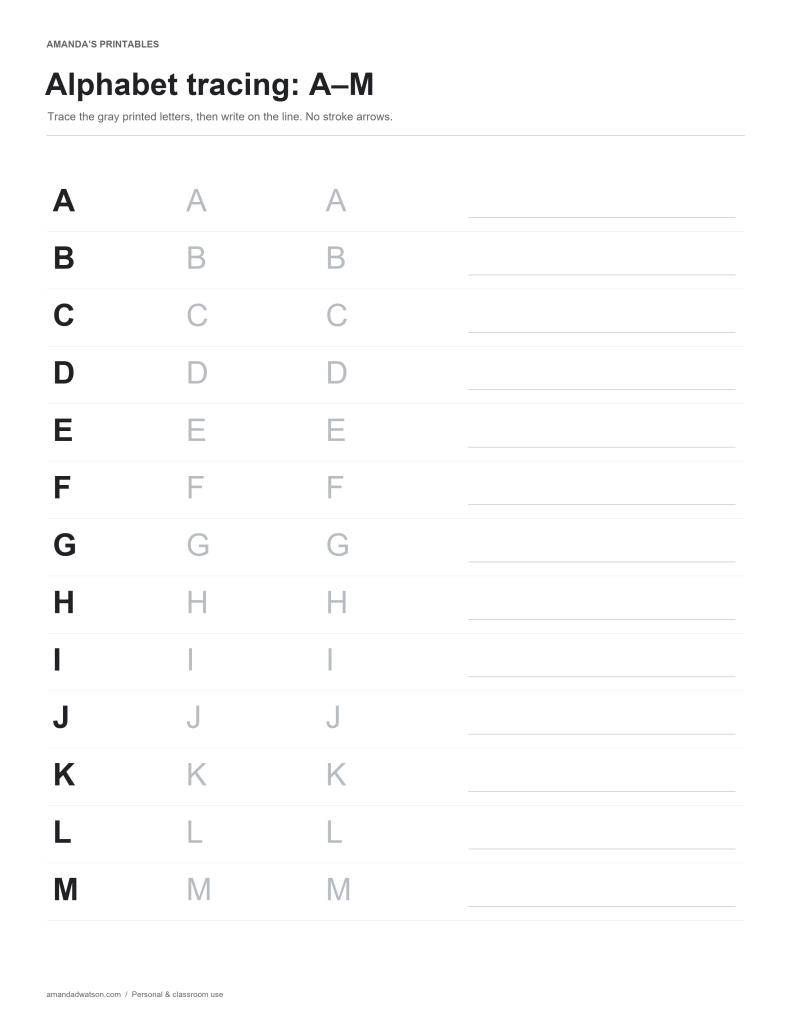
Practice printed uppercase and lowercase letters with four tracing pages. Each row has a model, two gray examples, and space to write…
View printableOpen an article and choose Download image beneath its printable. To get a PDF, select US Letter or A4, then choose Download PDF.
Use the matching paper size and check your print preview. Print the generated PDF at actual size, or use fit to page if your printer clips an edge.